140
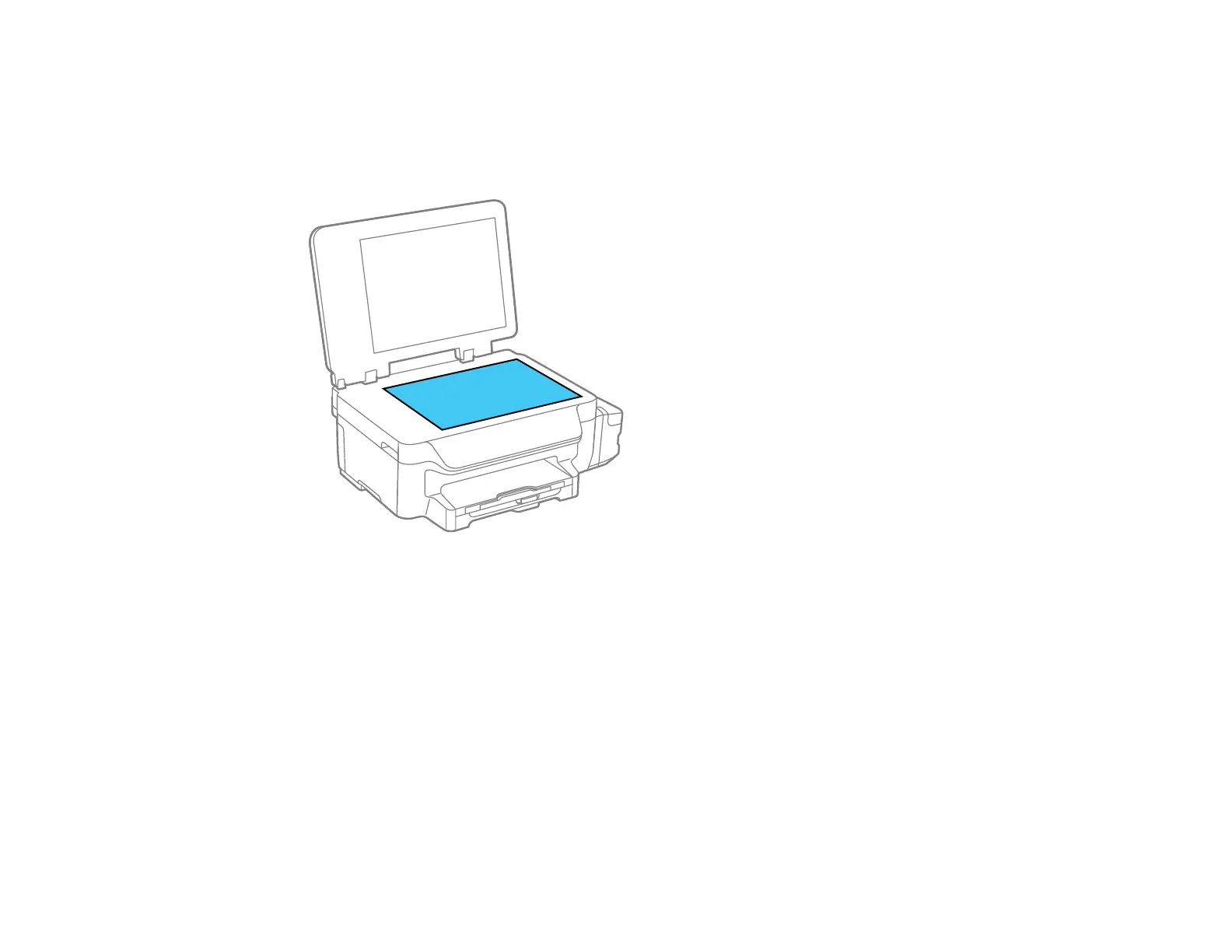
5. Clean the scanner glass with a soft, lint-free cloth (microfiber is recommended), moistened with a
little glass cleaner. If you see lines in your scans or copies, clean the left side of the glass carefully.
Caution: Do not spray glass cleaner directly on the glass and do not press the glass surface with
any force.
6. Clean the outer case and control panel with a soft, dry, lint-free cloth. Do not use liquid or chemical
cleansers.
Parent topic: Cleaning and Transporting Your Product
Transporting Your Product
If you need to store your product or transport it some distance, prepare it for transportation as described
here.




 To Next Page