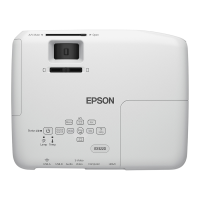
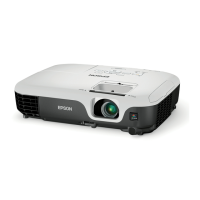
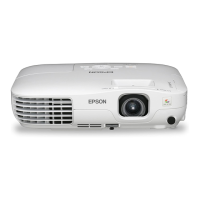
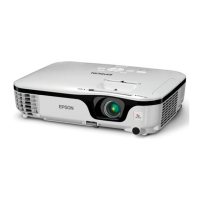
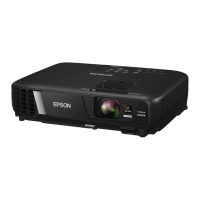
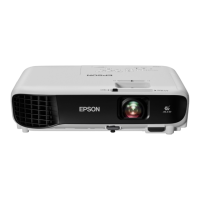
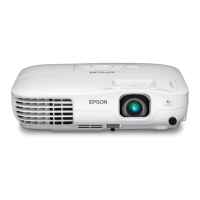
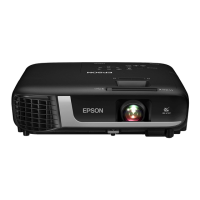
EX3220 SVGA 3LCD Projector
3 x Brighter Colors
1
, and reliable performance — 3LCD, 3-chip technology
One measurement of brightness is not enough — look for both high color brightness and high
white brightness. The EX3220 has:
Color Brightness — 3000 lumens
2
White Brightness — 3000 lumens
2
Wireless connection to your laptop and mobile device — connect directly to your computer,
smartphone or tablet, without wires (with optional wireless LAN module not included)
Audio/video with just one cable — all-digital HDMI
™
connection
Simple Setup Suite — Epson offers a host of innovative features that ensure flexible placement
and quick setup in any room
Impressive image quality — native SVGA (800 x 600) resolution
1
The business projector with easy setup
and proven performance.

 Need help?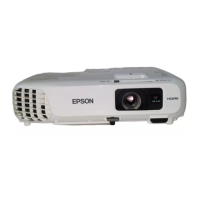

 To Next Page
 General