SLCL Epson FastFoto Scanner User Guide 1
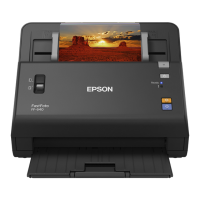
Disclaimer: The FastFoto scanner is not recommended for delicate photos, or photos with
torn/damaged edges. If you have delicate materials you want to digitize, speak to a staff
member about using the Epson Perfection scanner.
Ready to Scan
1. Open the scanner cover, pull up the input tray extension, extend the output tray, and
open the stopper.
a. Note: Make sure you adjust the position of the stopper to correctly fit the size of
the ejected photos.
2. Slide the input tray edge guides all the way out.
3. Fan your stack of photos and tap them gently on a flat surface to even the edges.

 Need help?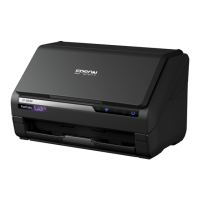






 To Next Page
 General