PSB No: P-0082
Page: 2 of 14
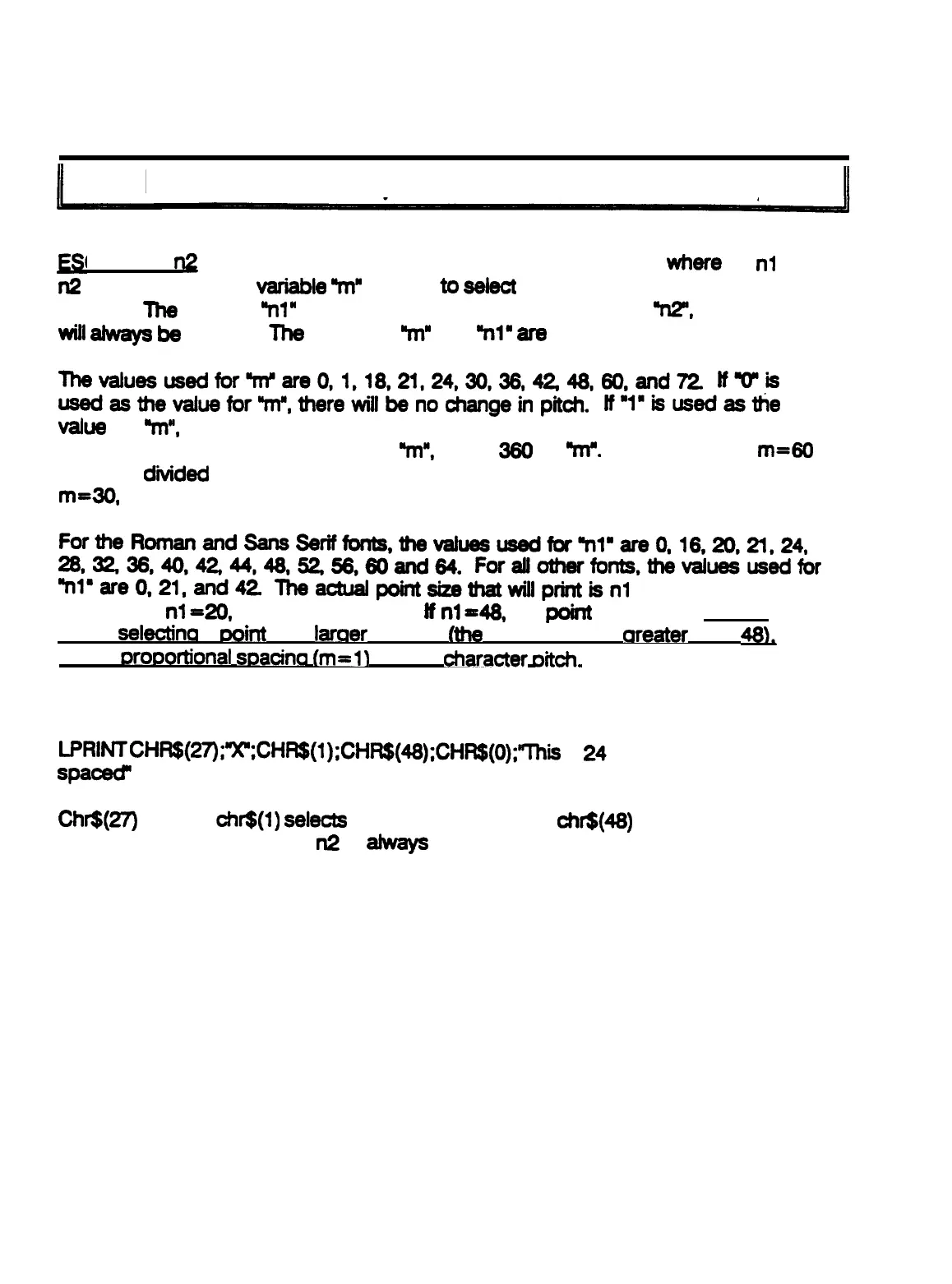
ESC X m n1 n2
(Select Pitch and Point Size)
C X m n1
a
is the command for selecting pitch and point size
where
m,
nl
and
n2
are variables. The
vadable
W
is used
to
select
the pitch, which is the character
spacing.
The
variable
W”
selects the point size and the variable
“n2”,
at this time,
will
aiways
be
0 (zero).
The
variables In” and
91’
ate
explained below.
Thevaluesusedfor’m’ateO,l,18,21,24,30,36,4248,60,and72
tf’o”is
usedasthevaluefor”m”,therewillbenochangeinpit~.
lf”l”isusedasthe
value
for
W,
the character pitch will be proportional spacing. To determine the
character pitch for all other values of
%I”,
divide 360 by
91”.
For example, if
rn=W
then 360
divided
by 60 equals 6 and the character pitch is 6 characters per inch. If
m=30,
the character pitch is 12 characters per inch.
FortheRomanandSansSerifforrts,thevaiueausedfor’nimare0,l6,20,TI,24,
26,3238,40,42,44,48,5238,80and64.
ForaUotherfonts,thevaluesusedfor
“nlBare0,21,and42
l’heactualpointsbthatwillprintisnl
diidedby2 For
example, if
nl=20,
the point size is 10.
tf
nl=48,
the
point
size is 24.
NOTE:
When
selectina
a
Doirft
size
laraer
than 24
(the
value for nl is treater than
48L
select
Drof3ortional
wacina
tm=ll
for the
character
me&.
In the Basic programming language, the command would look like this.
LPRlf+lT
cHR$(n);*xll;CHRS(l);CHR$(48);~~~(o);”~his is
24
point proportional
spaced”
Ch6(27)
is ESC,
&6(l)
selects
proportional spacing,
chr$(48)
selects 24 point
character size. At this time,
n2
is
m
zero (0).











 To Next Page