9
Resetting the ink levels:
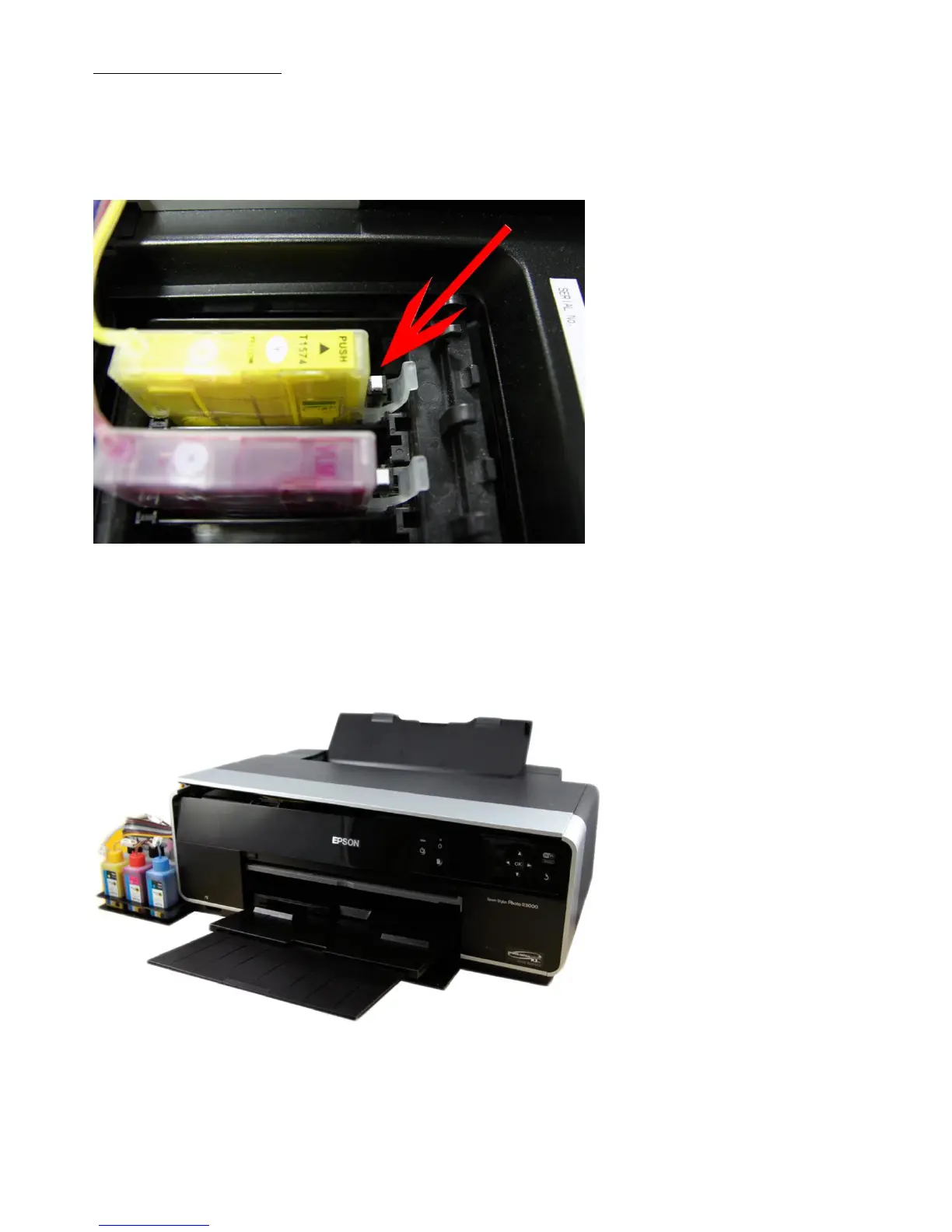
This is very simple on the R3000 system; simply remove the lid deactivation key as mentioned on the previous page.
Press and hold the relevant reset button for a count of 10, release the button and refit the deactivation key.
The level of the specific cartridge should now be successfully reset.
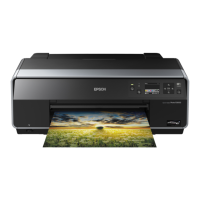
The installation is now complete and your printer and PermaJet Eco-Flo system is ready to use.








 To Next Page