Re-filling the bottles
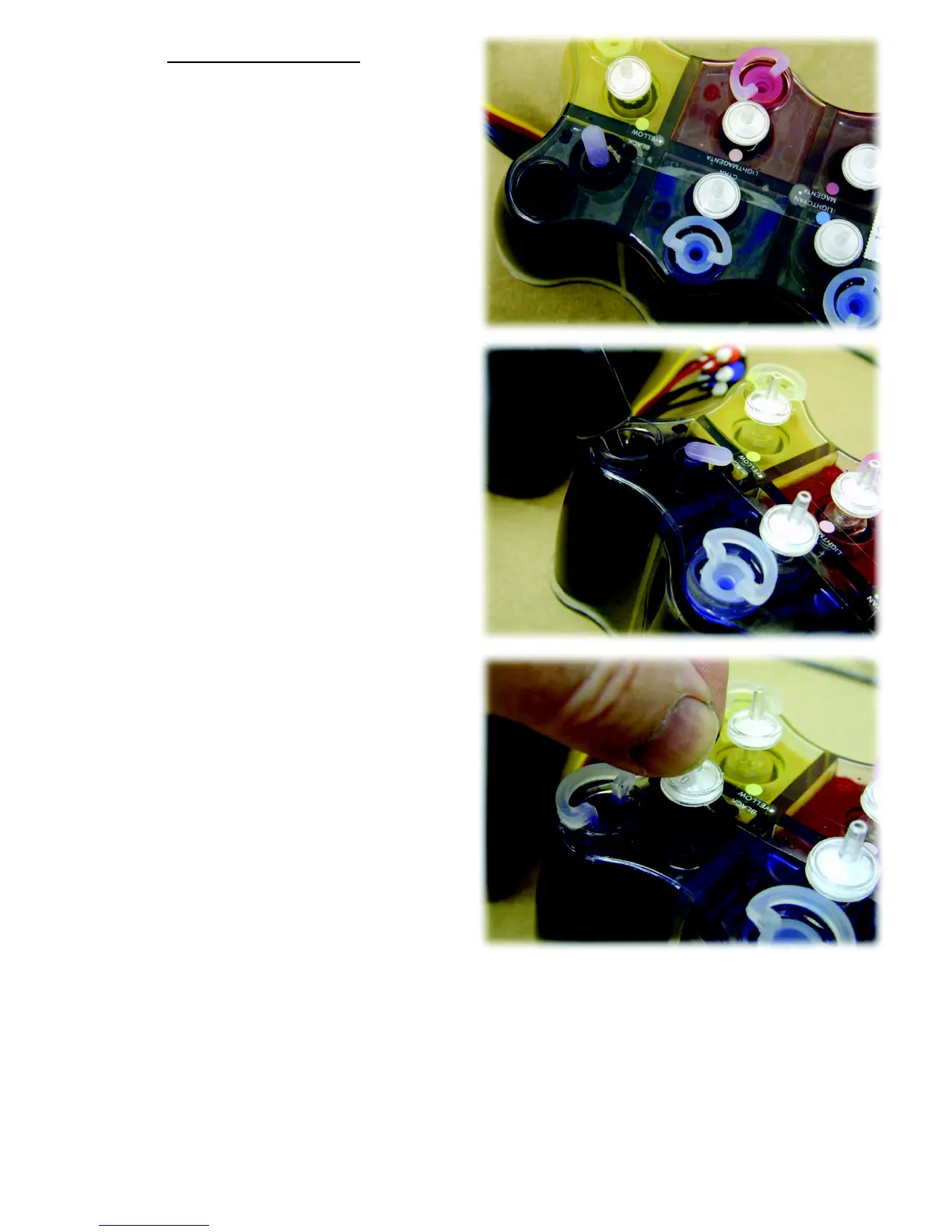
Remove the air filter and replace it with
the small rubber bung (that you did not
throw away).
Remove the large rubber bung.
This prevents the centre chamber filling up
with ink.
(6 colour set shown here)
Fill the chamber through the large
opening.
Replace the large rubber bung first!
Then remove the small bung and replace
the air filter.
If this sequence is not followed and the centre chamber is allowed to fill with ink use
the procedure to remove the ink as shown on page 2.
9







 To Next Page