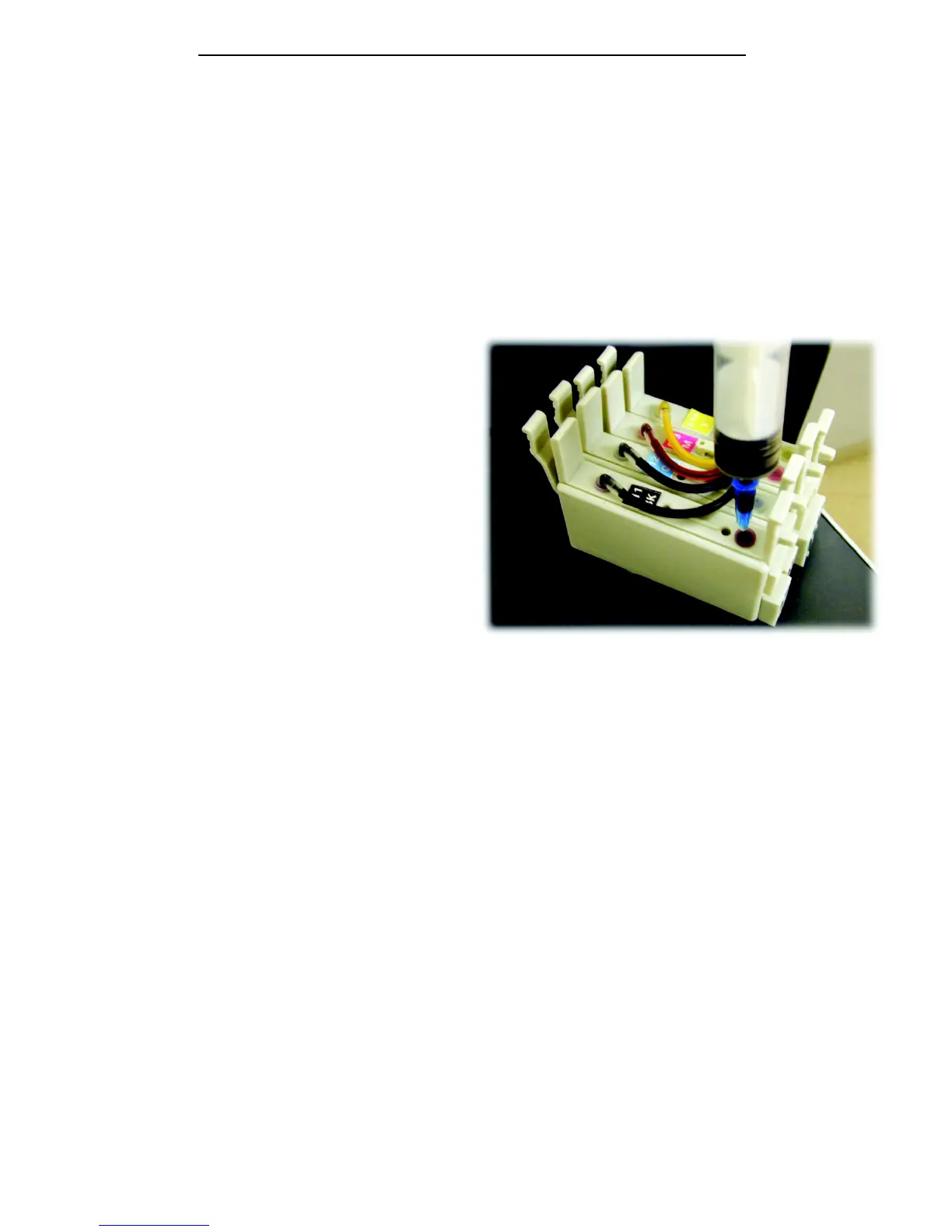
Re-priming a system that air has been allowed to infiltrate.
If ink is allowed to fall below the recommended minimum levels on the bottles it may
be possible for air to get into the tubing and ultimately into the cartridge. This will
prevent the printer working (colours completely missing on nozzle checks).
This is completely different to the tiny amount of air in the tube during first install and
the air needs to be removed to re-prime the system.
Press the ink button on the printer and
remove the cartridge set.
Use the syringe and needle provided.
Push the needle through the rubber
grommet.
Draw the syringe back until ink only (no air bubbles) is being pulled into the syringe.
Replace the cartridge set into the printer and follow the procedure on page 5 for
charging the printhead again.
10







 To Next Page