44
44 | Setting Up the Printer
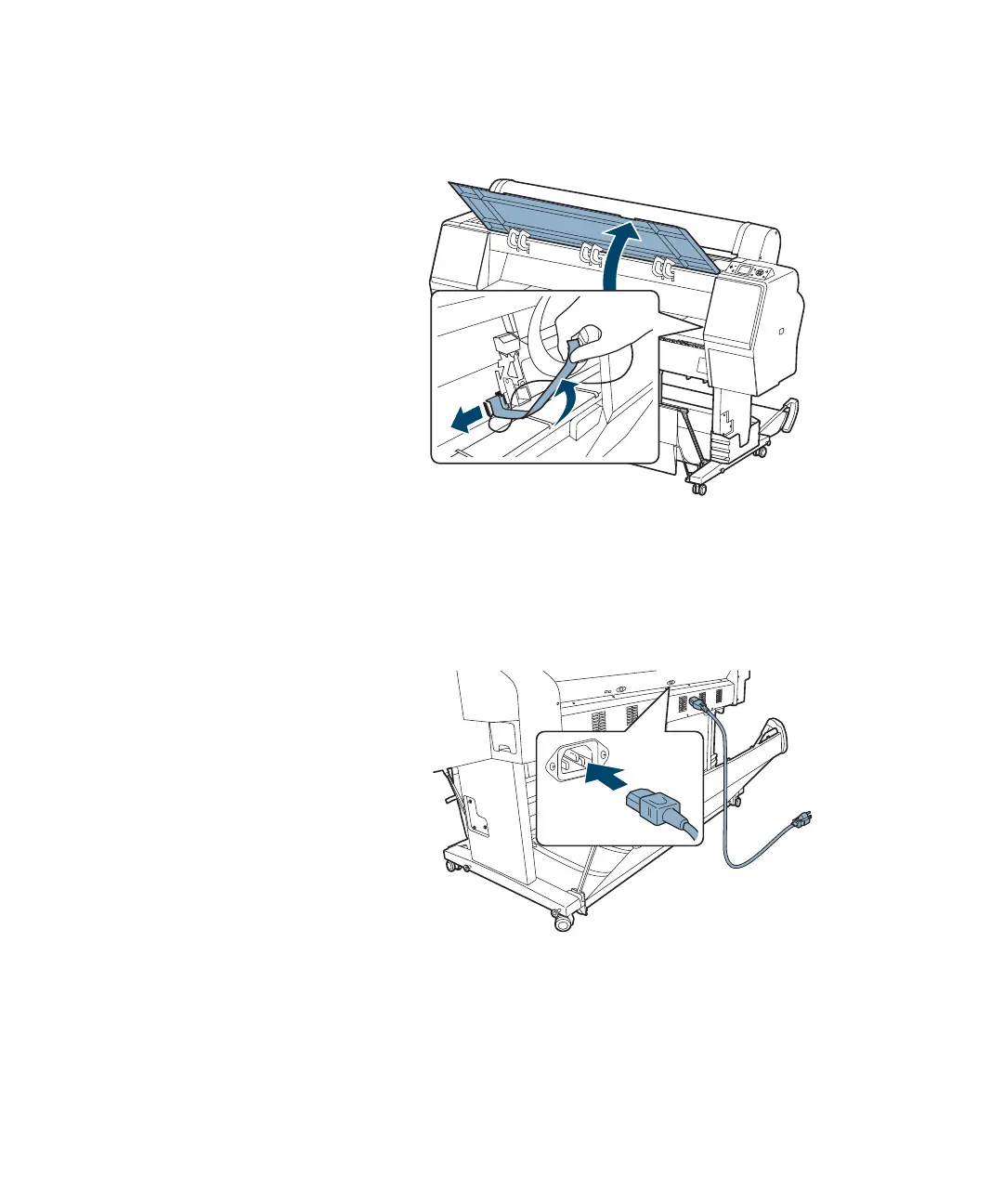
5. Open the front cover and remove the tape and packing material.
Save the packing material in case you need to ship the printer.
6. Close the front cover.
7. Connect the power cord to the AC inlet on the back of the printer.
Note: The illustrations in
the following sections
show the Epson Stylus
Pro 9900, but the
instructions are the same
for the Pro 7900.














 To Next Page