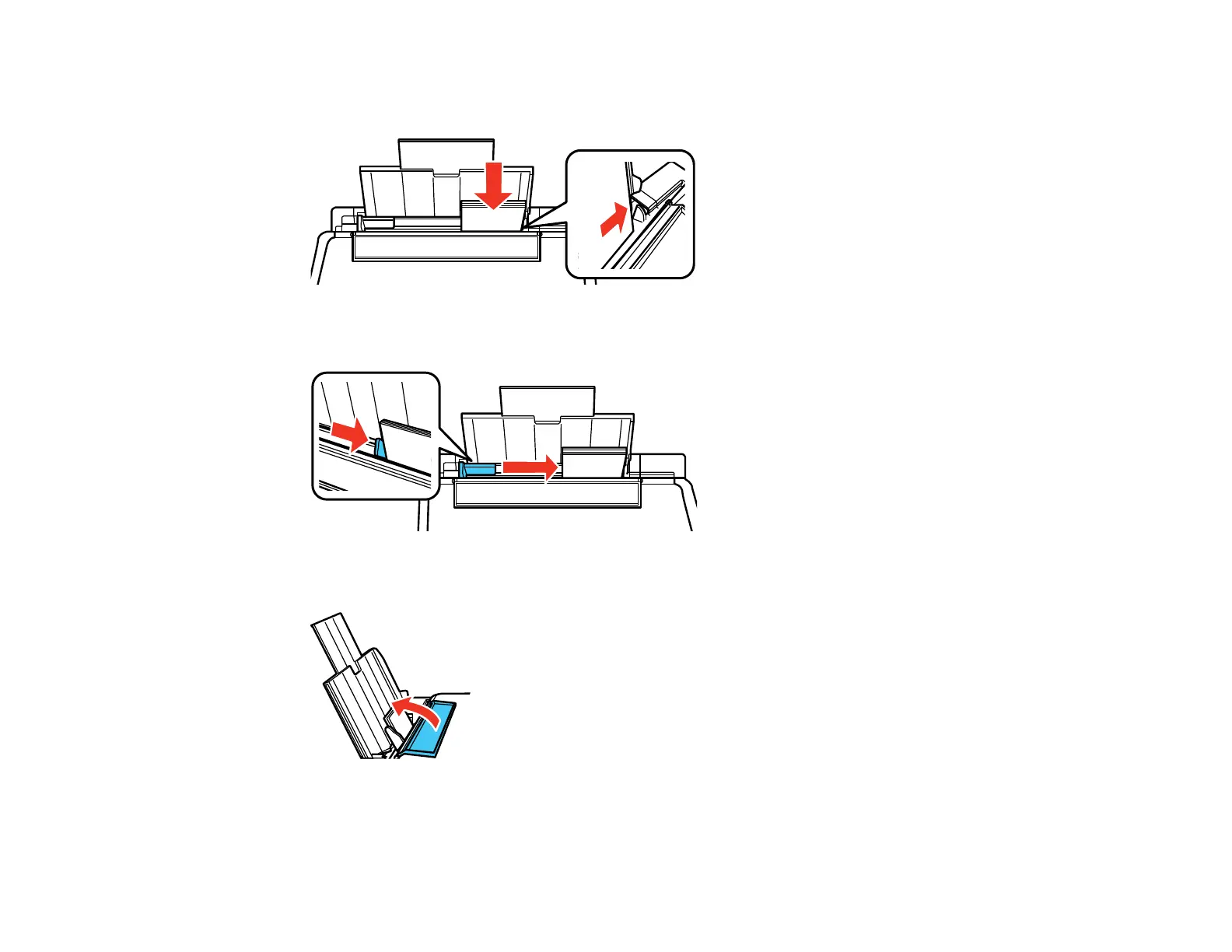
5. Insert paper, glossy or printable side up and short edge first, against the right side. If you are
inserting a stack of paper, fan the sheets first and tap the stack on a flat surface to even the edges.
6. Slide the edge guide against the paper, but not too tightly.
7. Flip the feeder guard back.
Always follow these paper loading guidelines:
• Load only the recommended number of sheets.
26



 To Next Page
 Loading...