31
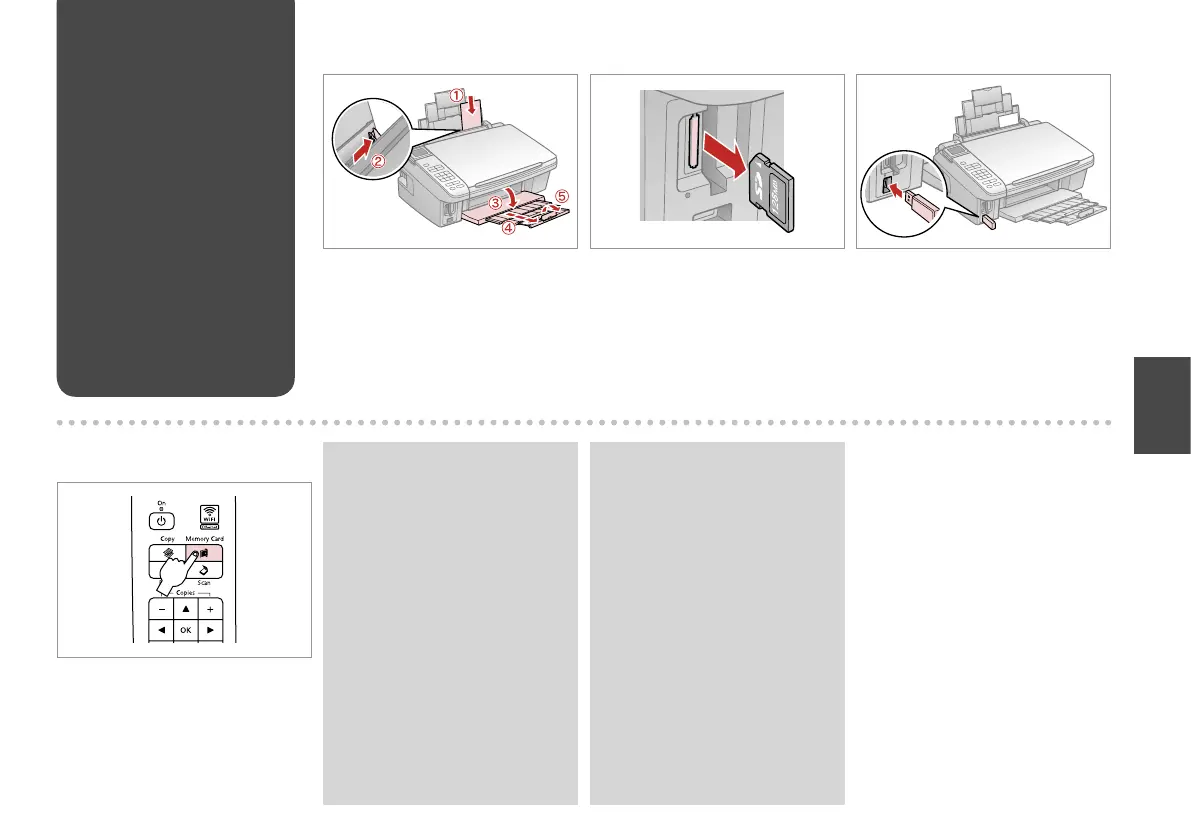
Printing from a USB
Flash Drive
A R & 11 B R & 14 C
D
Load photo paper. Remove. Insert a USB ash drive.
Enter the Memory Card mode.
After step D, follow the steps for
memory card printing. R & 26, 28
Q
The media format should be
compatible with the media format
on the memory card.
Q



 To Next Page
 Loading...