14 Loading Paper
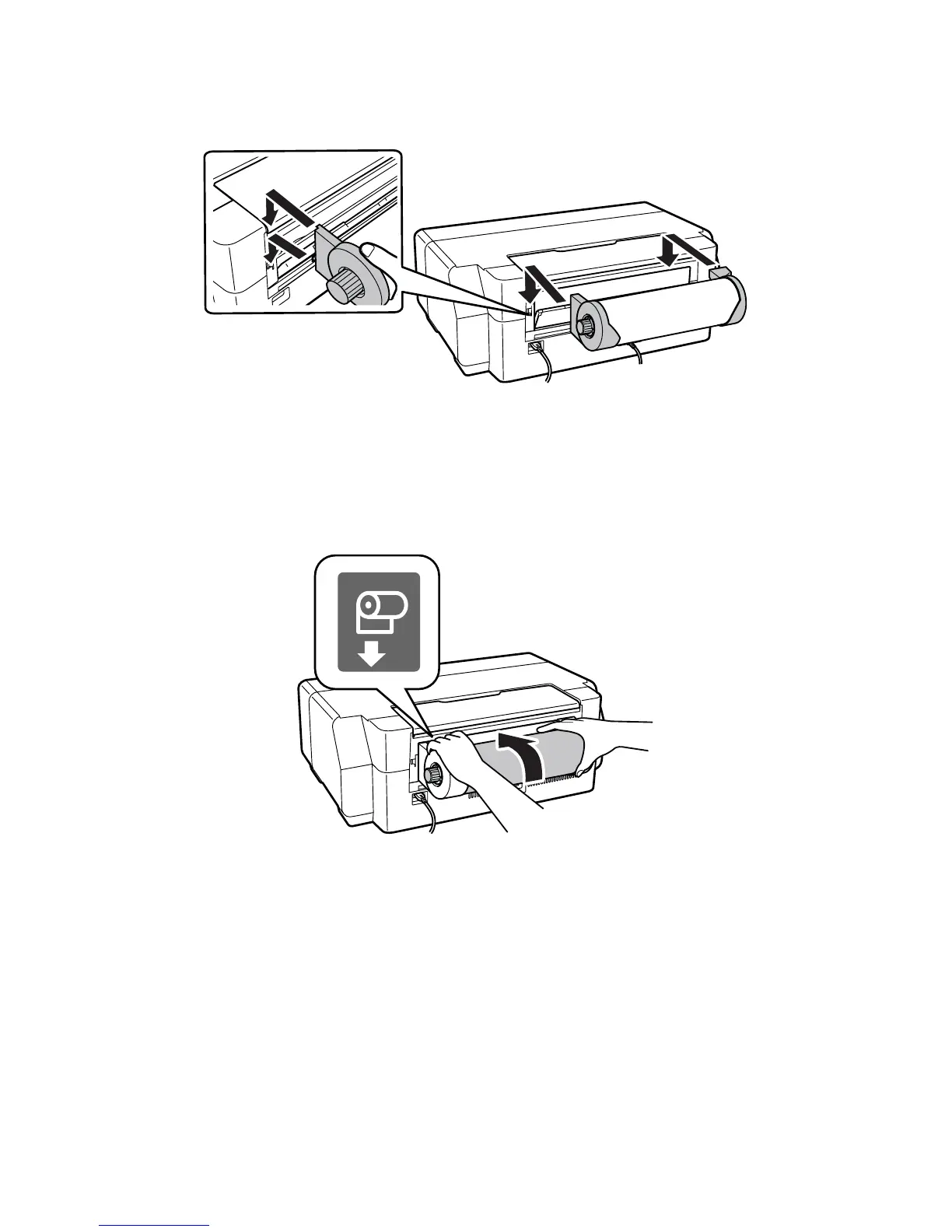
7. Attach the roll paper holders as shown. Hook the holders onto the attachment
points indicated with orange labels.
Note:
When attached properly, the roll paper should be firmly secured to the printer.
8. Feed the paper into the printer until it meets resistance. In a few seconds, the
paper loads automatically.
Note:
When loading canvas media, leave slack in the roll as it feeds and prints for the
best results. If you have trouble feeding canvas media, check that the edge is
straight and reload it, making sure to keep the roll slack.
9. Select the Paper Size and Paper Type, then press OK.



 To Next Page
 Loading...







