Starting the Installation
Add the Serial Printer
Press the 'Add' button to add the new
printer to Windows.
Selecting the Printer and the Printer Port
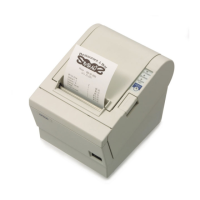
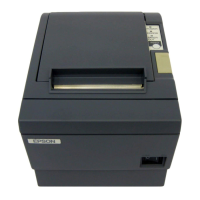
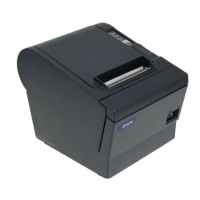
Choose the Epson model of the
printer installed from the pull-down
menu and choose the type of
interface in use (Serial) for the port
type.
Insert the baud, bits, flow control and
parity settings from the printer
obtained in the Self Test, above. Also
select the number of the COM port
on the computer connected to the
printer.



 To Next Page
 Loading...