• To switch between ABC (uppercase), abc (lowercase), or 123 (numbers and symbols), press the
home button.
• To delete characters, press the left arrow.
• When you finish entering characters, press the OK button.
6. If you want to print a network setup report, press the start button. (Otherwise, press the stop
button.)
7. Press the home button to exit.
The WiFi light should now be on, but not flashing.
Note: If the WiFi light is off, you may have selected the wrong network name or entered the
password incorrectly. Repeat these steps to try again.
Parent topic: Setting Up the Control Panel
Product Parts Locations
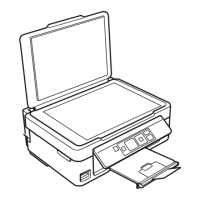
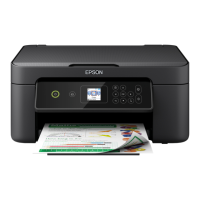
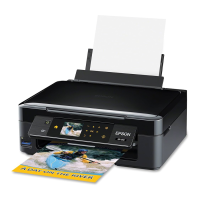
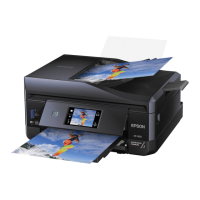
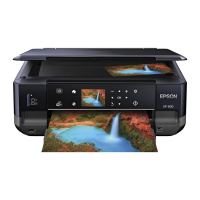
See these sections to identify the parts on your product.
Product Parts - Top
Product Parts - Inside
Product Parts - Back
Parent topic: Product Basics
16



 To Next Page