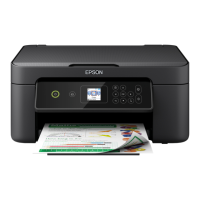
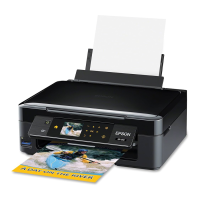
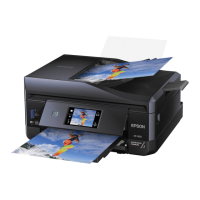
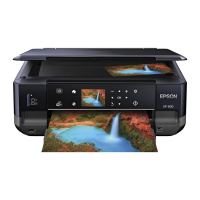
• Load paper short edge first, no matter which way your document faces.
• Load letterhead or pre-printed paper top edge first.
• Do not load paper above the arrow mark inside the edge guide.
• Check the paper package for any additional loading instructions.
Parent topic: Loading Paper
Related references
Paper Loading Capacity
Loading Paper for Photos
You can print photos on a variety of paper types and sizes.
1. Flip the feeder guard forward.
2. Pull up the paper support and its extension.
29



 To Next Page