4 Copying
Copying
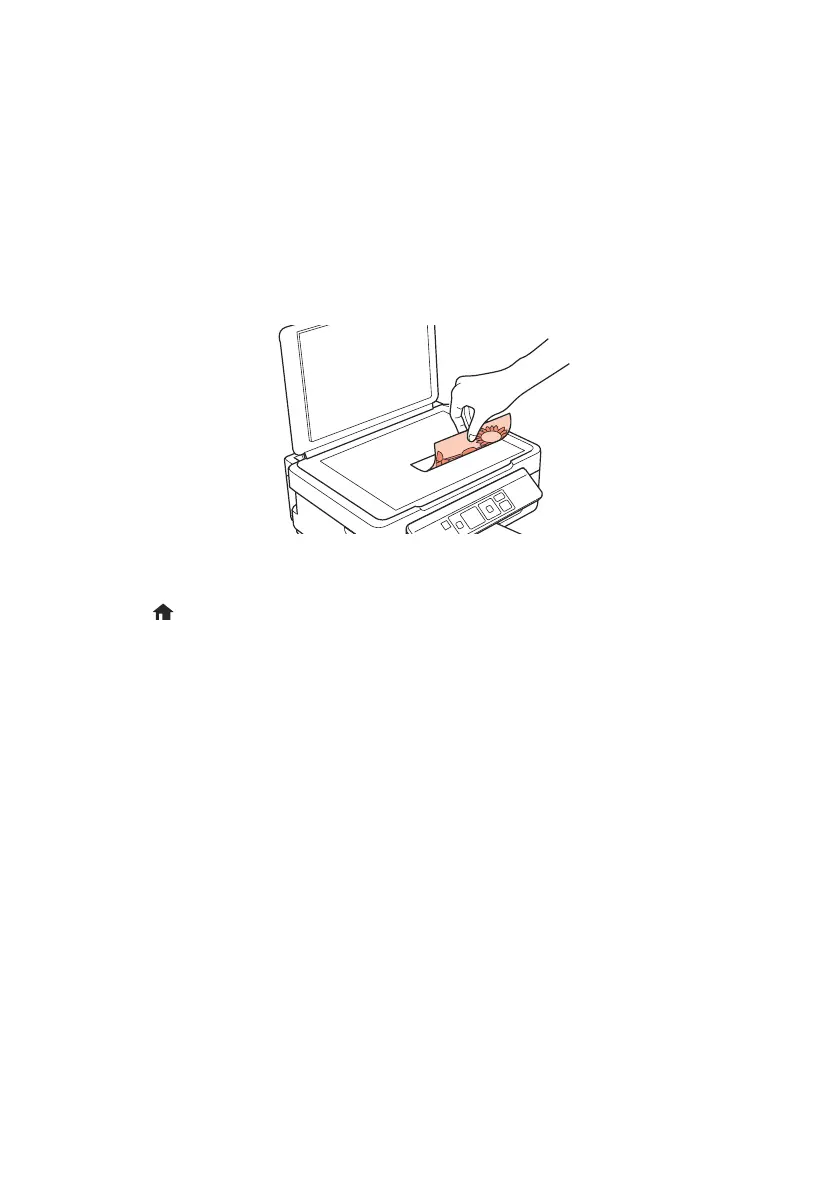
Follow the instructions in this section to position your originals correctly on the scanner
glass and make color or black-and-white copies.
1. Make sure paper is loaded.
2. Raise the document cover and place your original facedown on the scanner glass, with
the top facing into the front right corner.
3. Close the cover gently so you don’t move the original.
4. Press
if necessary, then press OK to select r Copy.
5. To print more than 1 copy, press u to select the number (up to 99).
6. Press l or r to select
Color or B&W copies.
7. To adjust any other settings, press
OK, then press d. Press u or d to select different
settings, and press l or r to make adjustments.
8. Press
x to begin copying.
To cancel copying, press
y.
xp310_qg.book Page 4 Friday, January 18, 2013 3:34 PM



 To Next Page