6 Printing Photos From the LCD Screen
Printing Photos From the LCD Screen
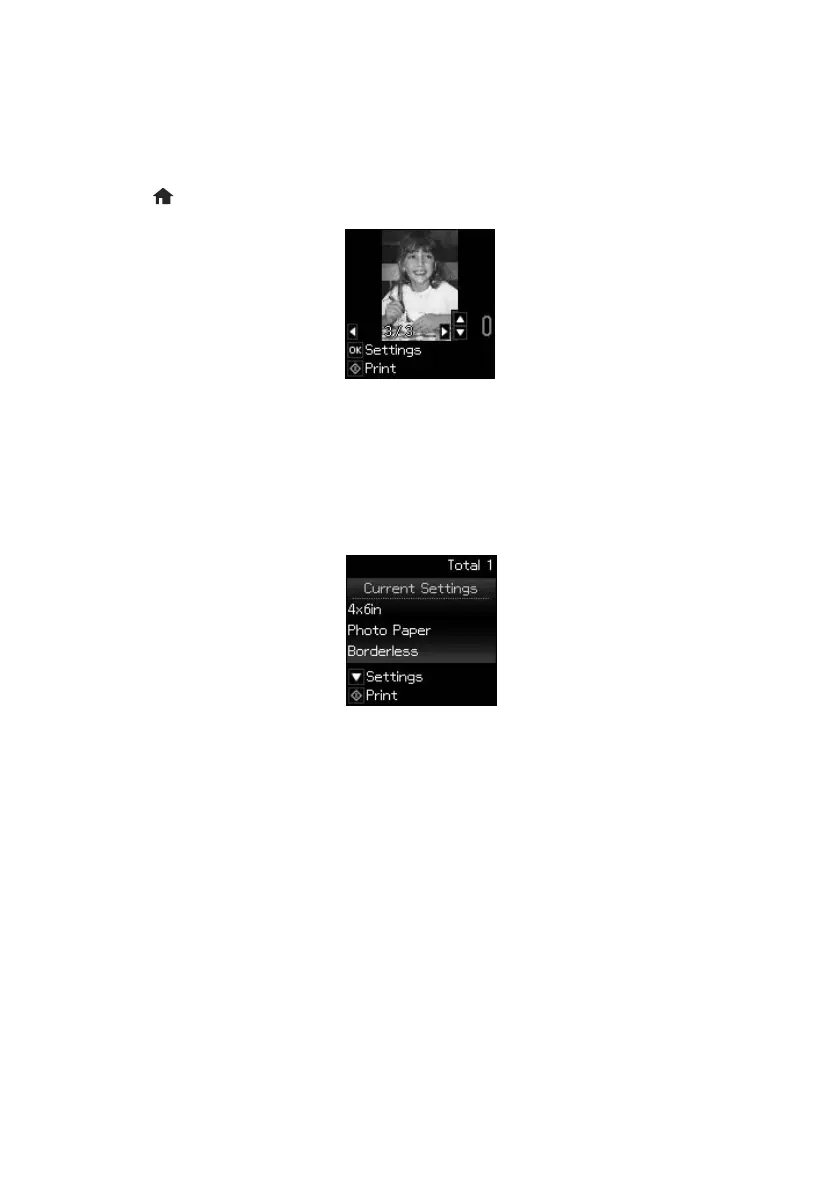
You can select individual photos for printing as you view them on the LCD screen.
1. Load several sheets of 4 × 6-inch (102 × 152 mm) Epson photo paper.
2. Press
if necessary, then select Print photos and press OK.
3. Press l or r to scroll through your photos and display one that you want to print.
4. Press u or d to select the number of copies you want of that photo.
5. Repeat steps 3 and 4 to select more photos.
6. Press
OK and change settings as necessary.
7. When you’re ready to print, press
x.
To cancel printing, press
y .
xp310_qg.book Page 6 Friday, January 18, 2013 3:34 PM



 To Next Page