EasyManua.ls Logo

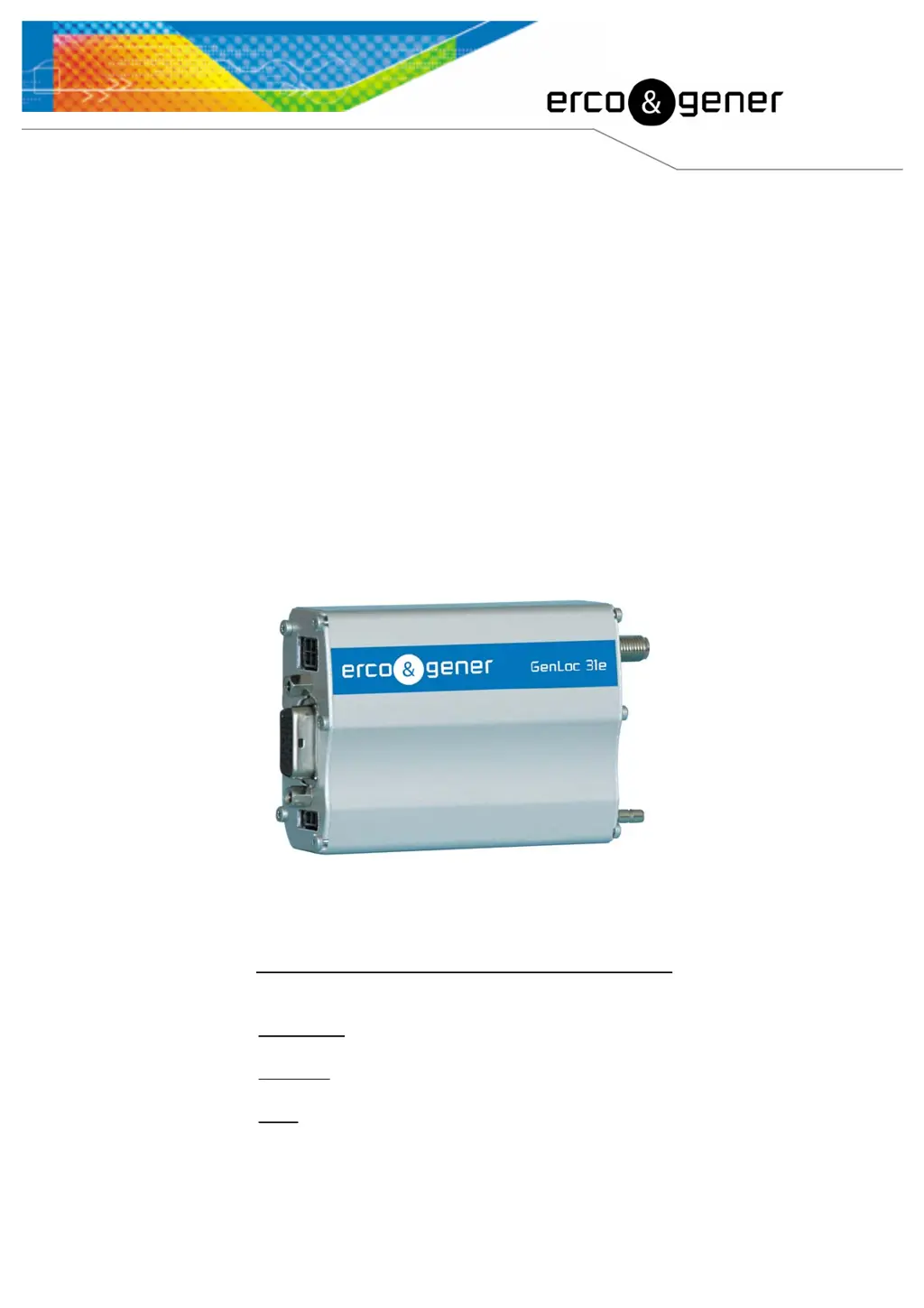
Erco & Gener Genloc 31e - User Manual

Erco & Gener Genloc 31e
60 pages
Print Icon
To Next Page IconTo Next Page
Loading...
S.A. ERCO & GENER – ZI de St. Lambert-des-Levées – BP 30163 – F-49412 SAUMUR Cedex
Tél. : +33 (0)2 41 83 13 00 – Fax : +33 (0)2 41 67 19 20 – www.ercogener.com – infos@ercogener.com
SA CAPITAL 183244 – R.C. SAUMUR B 332 174 820 – SIRET 332 174 820 00032 – NAF 322A TVA Intra : FR 16 332 174 820
L’esprit Modem
User Guide
GenLoc 31e
Reference : EG_GenLoc31e_988_UG_009_UK
Revision : 009
Date : 21/11/2007

Table of Contents

Other manuals for Erco & Gener Genloc 31e

Questions and Answers

  • D
    David CruzNov 10, 2025
    Why does my Erco & Gener Genloc 31e Modem show a "NO CARRIER" message?
    • H
      Howard VaughnNov 10, 2025
      The "NO CARRIER" message on your Erco & Gener Modem can appear due to several reasons: * A weak GSM signal. * The modem isn't registered on the network. * The antenna isn't properly connected. * The semi-colon (;) might be missing after the phone number in the AT command (e.g., ATD0123456789;). * The SIM card isn't configured for data/fax calls. * The selected modulation type isn't supported by the called number or the network. If the modem returns the message "NO CARRIER", use the command AT+CEER to see the extended error code. To resolve these issues: * Verify the received signal quality. * Verify network registration. * Check the GSM antenna installation. * Ensure that the semi-colon (;) is entered immediately after the telephone number in the AT command. * Ensure...
  • W
    William VasquezNov 19, 2025
    How to fix RS232 (V24) communication problem with Erco & Gener Genloc 31e?
    • S
      Stephanie WalterNov 19, 2025
      Experiencing RS232 (V24) communication issues with your Erco & Gener Modem? Here's what you should check: 1. **Power:** Make sure the modem is properly connected to a regulated external power source (5.5V to 32V DC). 2. **Serial Cable:** Verify the serial cable is securely connected to both your PC and the modem. 3. **Cable Configuration:** Ensure the serial cable is correctly wired according to the specifications. 4. **Terminal Configuration:** Confirm that your PC's terminal configuration matches the modem's factory settings: Speed = 9600 bps, Data bits = 8, Parity = none, Stop bits = 1, Flow control = hardware. 5. **Application Conflict:** Close any other applications that might be using the same communication port. 6. **Modem Echo:** Ensure the modem echo is deactivated and mess...
  • K
    Kevin JohnsonDec 1, 2025
    What to do if my Erco & Gener Modem displays an "ERROR" message?
    • G
      Gabriel DanielDec 1, 2025
      If your Erco & Gener Modem is showing an "ERROR" message, it could be due to several reasons. First, the COM port may be directed to another modem instead of the GenLoc 31e. Enter the command ATI; the response should be WAVECOM MODEM.... If you see a different response, verify the COM port used in the communications application. Second, the syntax of your AT command might be incorrect. Re-enter the command, consulting the Wavecom "AT Commands Interface Guide" and ERCO&GENER "Commands List". Third, the AT command syntax might be correct but the parameters are incorrect. Enter the command AT+CMEE=1 to get a specific error message with an error code instead of just "ERROR". Also, re-enter the problematic AT command to get the error code. It is strongly recommended to systematically allow the ...

Erco & Gener Genloc 31e Specifications

General IconGeneral
BrandErco & Gener
ModelGenloc 31e
CategoryModem
LanguageEnglish

Related product manuals