1.2.3 Analog AUDIO
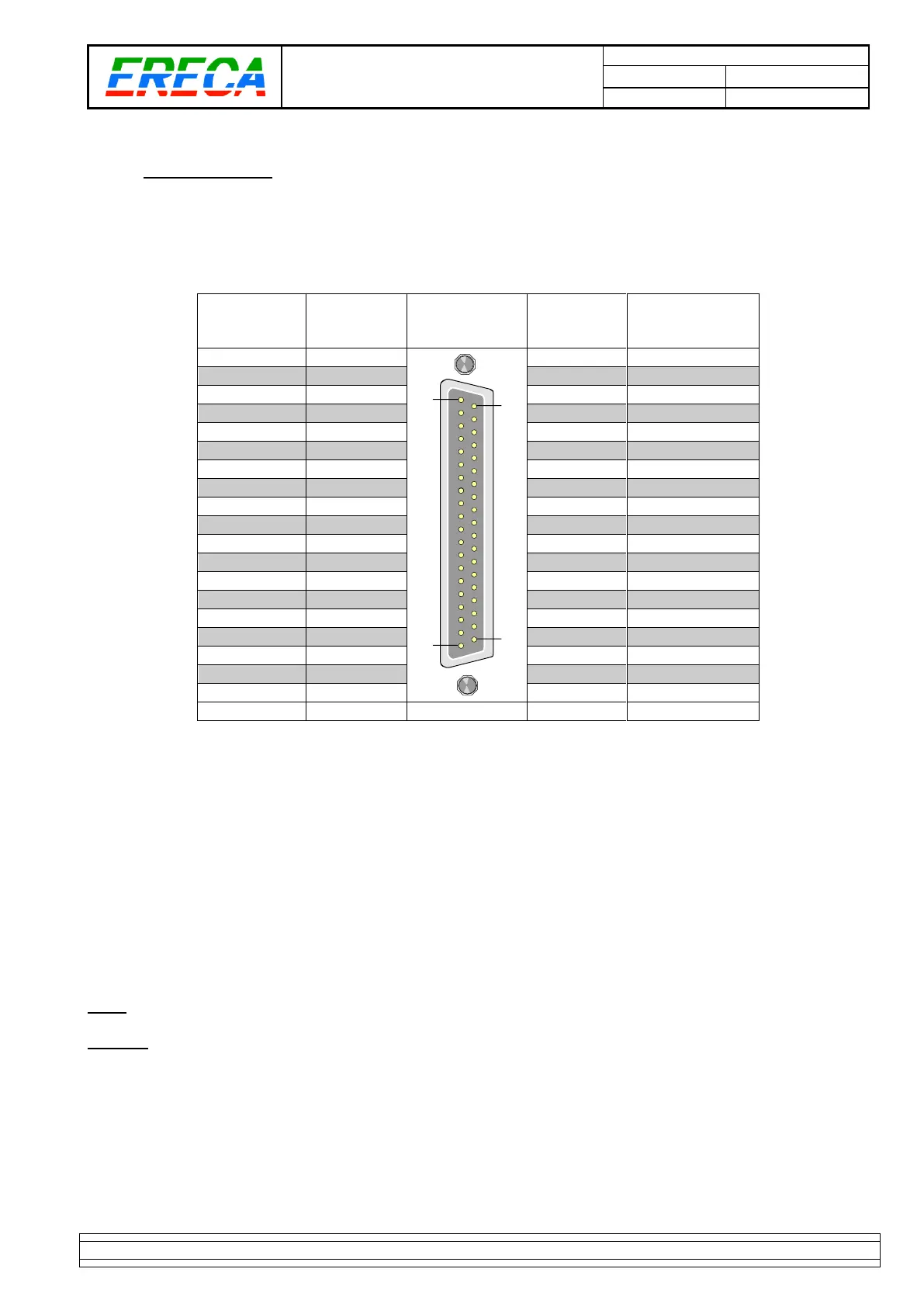
1.2.3.1 Pinout
One D SUB 37 pin female socket provide the access to the 16 balanced analog AUDIO IN.
One D SUB 37 pin female socket provide the access to the 16 balanced analog AUDIO OUT.
1.2.3.2 Audio option location
For units equipped with the 8 microphones gain block, the gain block is installed in the “RX” unit.
The gain blocks are connected to channels 8 to 16.
Thru the web server each 8 to 16 input can be amplified with a gain ranging from 9 to 60 dB (3dB steps) with
or without Phantom power supply.
If the gain on a channel is not wanted the gain block could be totally bypassed and this input recovers the
+18 dBm max input level.
The phantom power capacity is 10mA for each channel.
Note: To setup the gains remember to log on the RX unit.
Caution: Beware of the input phantom power, after switching off the phantom power the 48Volts will still be
present for a significative amount of time on the inputs, time needed by the inputs capacitor to discharge.



 To Next Page