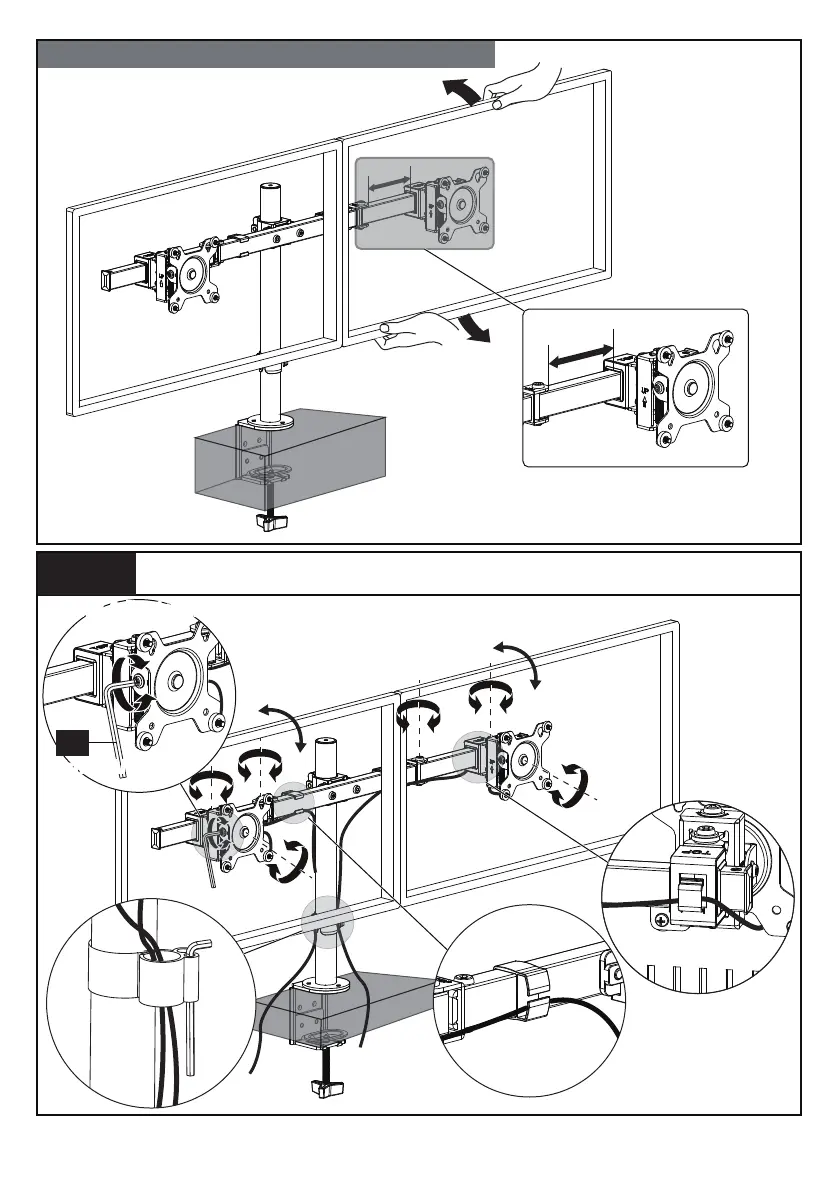
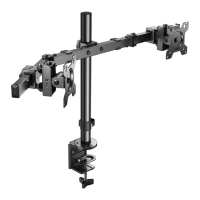
Horizontally Shift the Monitor Along the Swivel Arm
Step 5 Cable Management and Angle Adjustment
Tilt the bottom of the monitor
forward and move the monitor
along the swivel arm.
360°
360°
C
Small Allen
Key
Small Allen
Key
Slightly loosen the set bolt
to adjust the tilt angle and
tighten set bolt to hold the
tilt angle.
Tilt Adjustment
Tilt Adjustment
01 02 03 04 05 06 07


 To Previous Page