29
How to use
the instruction manual ...
How to use the instruction manual …
How to use the instruction manual
The chapters “Description/Operation”, “Technical Data” and “Mainte-
nance” in this instruction manual primarily contain graphics and symbols,
but only very little text. Important general information and safety precau-
tions are provided here in the first chapter.
There are several types of symbols:
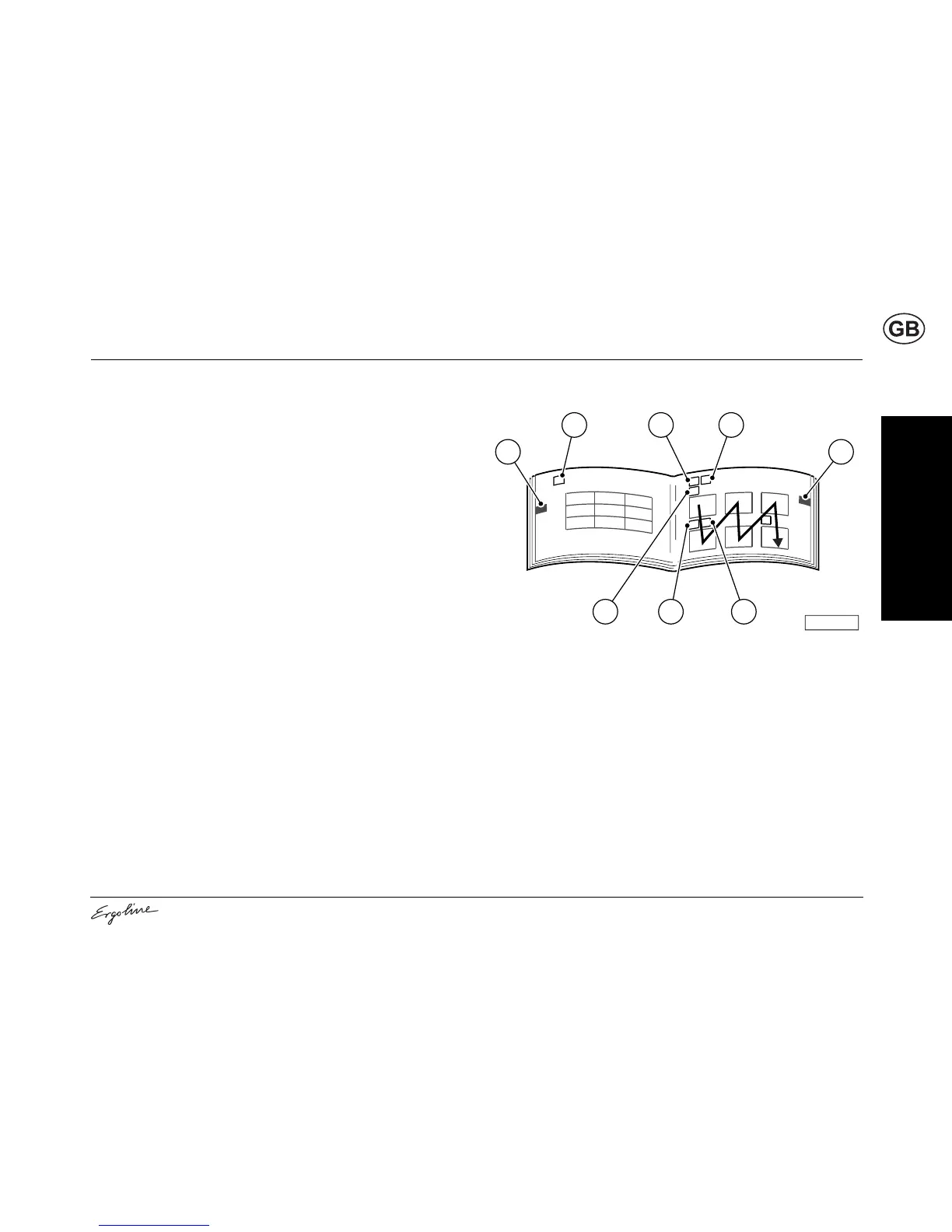
• Chapter symbols (1) (e.g. Operation, Maintenance). These symbols
have a black background and are positioned on the outer edge of the
page. This chapter symbol can also be used as the page heading (2).
• Symbols in the top line (3) apply to the entire page. These may be
headings or important information.
• Symbols directly over a graphic (4) refer to the work step shown in the
graphic.
The meaning of the symbols is explained beginning on Page 30 in this
chapter.
03174 / 0
1
33
1
2
4 44



 To Next Page