EasyManua.ls Logo

Ergomotion e Series - User Manual

Ergomotion e Series
56 pages
Print Icon
To Next Page IconTo Next Page
Loading...
Customer service: 1-888-550-3746
Service à la clientèle: 1-888-550-3746
*For International customers, please contact your retailer for customer service and warranty information.
*Pour les clients internationaux, veuillez contacter votre revendeur pour obtenir des informations sur le service client et la garantie.
Actual product appearance and functionality may vary from photographs, illustrations and descriptions included in this manual.
L’apparence et la fonctionnalité réelles du produit peuvent diérer des photographies, illustrations et descriptions incluses dans ce manuel.
Thank you for purchasing an Ergomotion® adjustable bed base
Protect your investment. Please register your warranty* at: www.ergomotion.com
Merci d’avoir acheté un sommier réglable Ergomotion®
Protégez votre investissement. Veuillez enregistrer votre garantie* sur : www.ergomotion.com
OWNER’S MANUAL
MANUEL DU PROPRIÉTAIRE
adjustable base installation & operation
installation et fonctionnement de la base réglable
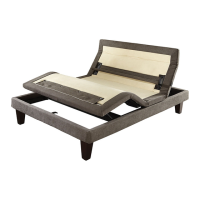
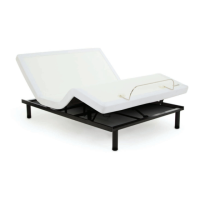
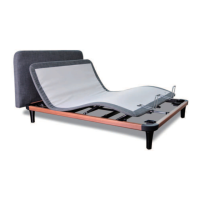
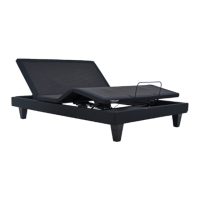
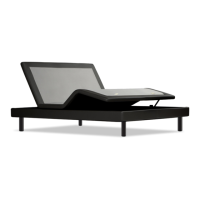
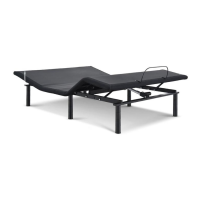
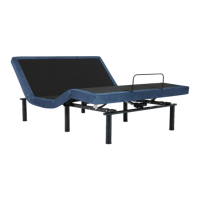
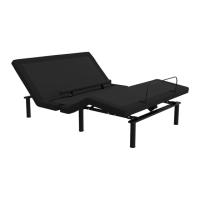
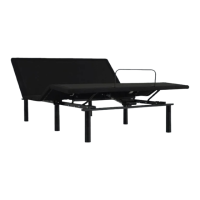
e4+e5
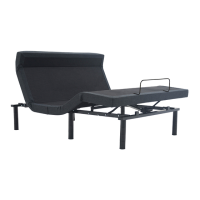
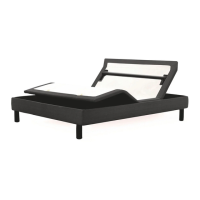
e6e9
Question and Answer IconNeed help?

Do you have a question about the Ergomotion e Series and is the answer not in the manual?

Summary

Safety Precautions and Usage Statements

Important Safety Disclaimers

Read all instructions before using your adjustable base. Save these instructions.

Outlet Safety

For optimal safety and operation, plug bed base into a surge protector (not included).

Pacemaker Notice

Consult your physician before using the massage feature due to potential pacemaker interference.

Weight Limits

Product is not rated to support weights exceeding 750 pounds (340kg) including mattress and bedding.

FCC Compliance

Equipment tested and found to comply with FCC limits for digital devices.

Installation Guide

e9 Remote Control

Massage Feature

Details on how to use the head and foot massage functions and timer settings.

Adjust

Explains how to use the lift/lower arrows and tilt/lumbar support adjustments.

One Touch Buttons

Describes the function of preset buttons like ZERO-G®, FLAT, TV, RELAX, and LIGHT.

e6 Remote Control

Massage Feature

Details on how to use the head and foot massage functions and timer settings.

Adjust

Explains how to use the lift/lower arrows and tilt/lumbar support adjustments.

One Touch Buttons

Describes the function of preset buttons like ZERO-G®, FLAT, TV, RELAX, and LIGHT.

e5 Remote Control

Massage Feature

Details on how to use the head and foot massage functions and timer settings.

Adjust

Explains how to use the lift/lower arrows and tilt/lumbar support adjustments.

One Touch Buttons

Describes the function of preset buttons like ZERO-G®, FLAT, TV, RELAX.

e4+ Remote Control

Adjust

Explains how to use the lift/lower arrows for head and foot sections.

One Touch Buttons

Describes preset buttons like ZERO-G®, FLAT, TV, RELAX, ANTI-SNORE, MUSIC.

Setting Remote Custom Presets

Emergency Battery Backup Strap

Troubleshooting

Ergomotion e Series Specifications

General IconGeneral
BrandErgomotion
Modele Series
CategoryIndoor Furnishing
LanguageEnglish

Related product manuals