15
EN
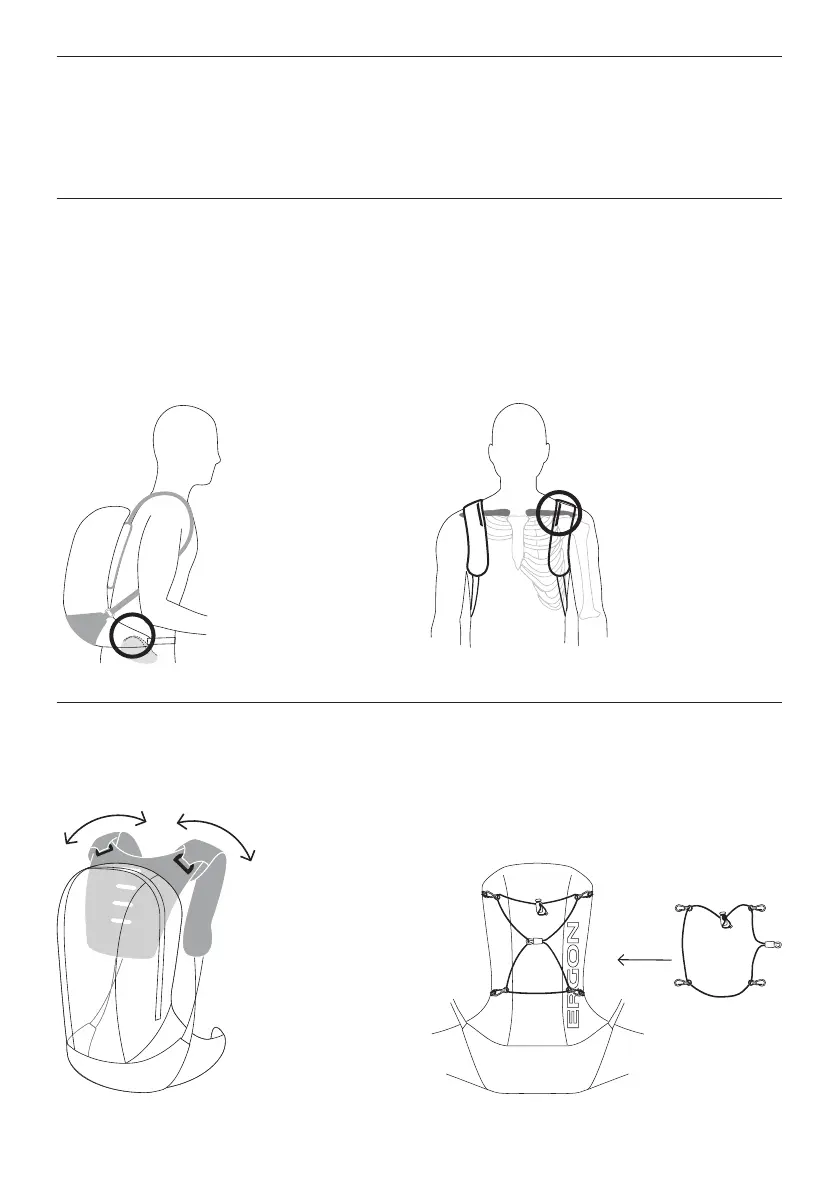
Fig. 1 Fig. 2
Adjustment
Loosen the shoulder straps and put the pack on. Fasten the
hip belt. The hip belt is correctly positioned when the top of
the hip belt follows the line of the pelvis (+/- 3cm) and relatively
tight. It should not be positioned across the stomach (Fig. 1).
Tighten the shoulder straps until there is little or no
slack in the
system. They should not press into your shoulders.
Sit on a bicycle, or on a stool and mimic the position on
a bicycle. The coloured adjustment marks allow the user
to check that the back length is correctly adjusted. This is
the case when the coloured adjustment marks cross the
collarbones (Fig. 2). If this is not the case, please re-adjust
the pack.
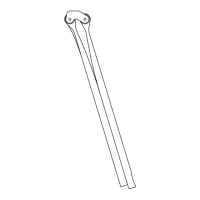
Automatic Adjustment of the Shoulder Strap Angles
Thanks to the two D-rings at the top of the shoulder straps,
the carrying system has a certain amount of automatic
adjustment.
Fig. 3
Expander
The included expander allows for the carrying of a jacket or
over clothing on the outside of the backpack, or for the internal
contents to be better secured (Fig. 4).
Fig. 4 Front



 To Next Page