888-45-050-00 rev.B • 05/06
10 of 12
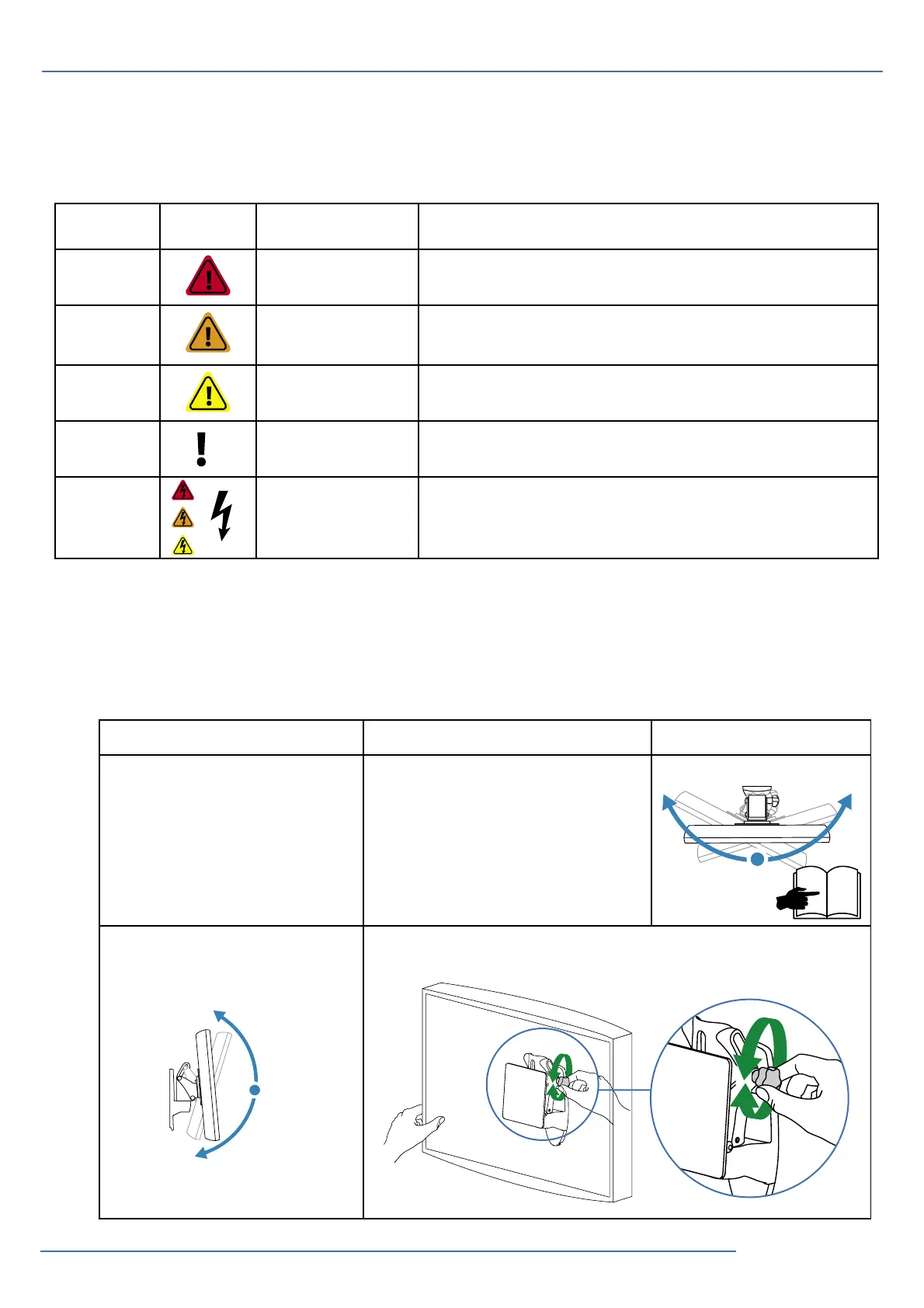
Problem Cause Solution
Display pans side-to-side too
easily or with diffi culty.
Tension needs adjustment.
Adjust Pan
Display tilts forward and back
too easily or with diffi culty.
Tension needs adjustment.
Adjust Tilt
?
Trouble Shooting
+ 15˚
- 5˚
± 20˚
9
Color Symbol Signal Word Level of Hazard
Red DANGER
Indicates an imminently hazardous situation which, if not avoided, will result
in death or serious injury.
Orange WARNING
Indicates a potentially hazardous situation which, if not avoided, could result
in death or serious injury.
Yellow CAUTION
Indicates a potentially hazardous situation which, if not avoided, may result
in minor or moderate injury.
None CAUTION
Used without the safety alert symbol indicates a potentially hazardous situa-
tion which, if not avoided, may result in property damage.
Red,
Orange
or Yellow
Electrical
Indicates an impending electrical hazard which, if not avoided, may result in
personal injury, fi re and/or death.
The Meaning of Symbols appearing in this Guide or on the Cart
These symbols alert you to a safety condition that demands your attention. You should be able to
recognize and understand the significance of the following Safety Hazards if you encounter them on the
Cart or within Cart documentation (i.e. reference guide).


 To Next Page
 Loading...