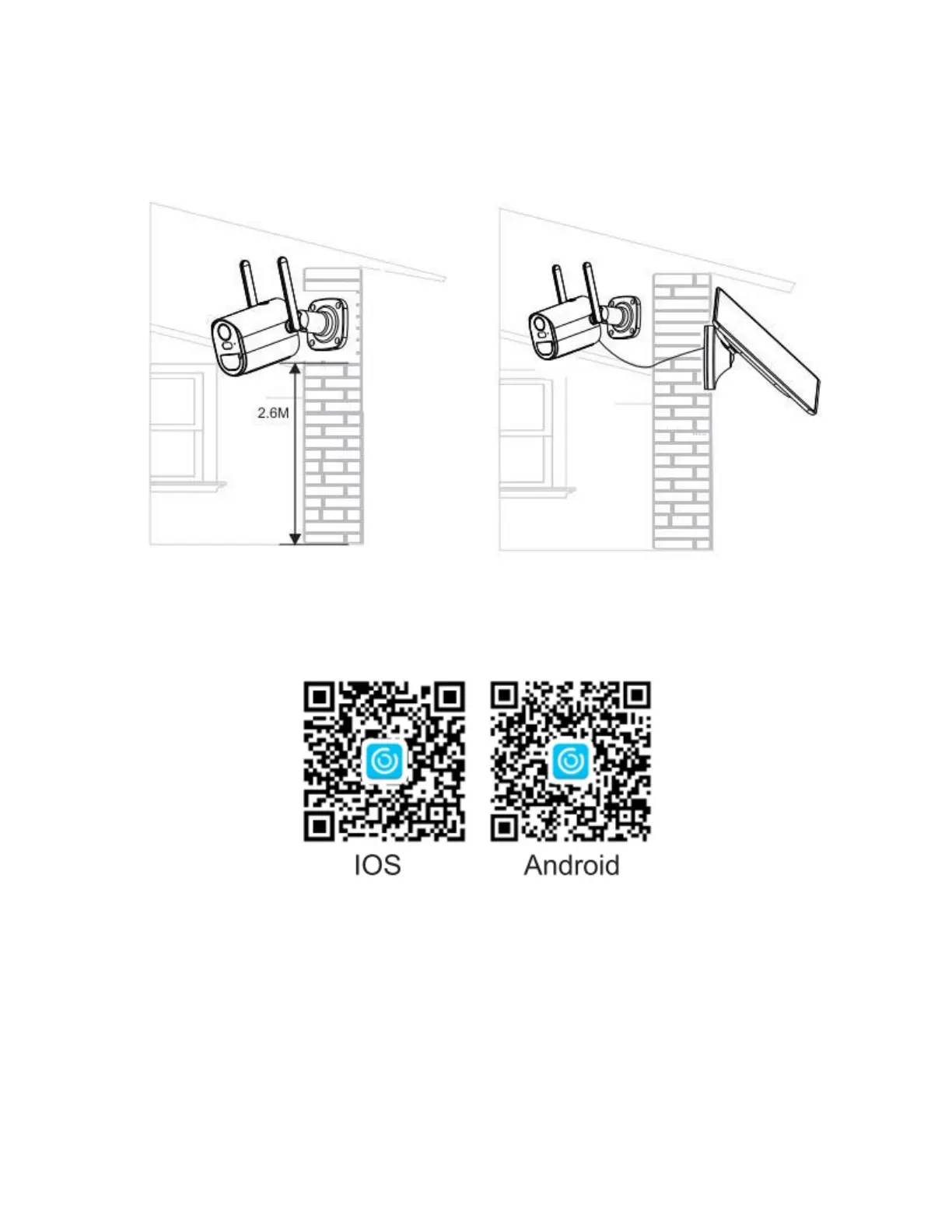
Installation
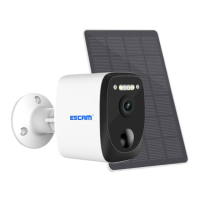
- You can choose between two solutions: integrated (left pic.) and separated installation
(right pic.)
App installation
- Scan the following QR code or download UBox from App Store or Google Play to
install the app.
- Open the app then input your email address then press "Register". Check and select
to agree with the agreement, you will get an email with a verification code (if you did not
find the mail, please open the spam box). We recommend all permissions to avoid
missing any notifications.
- Input the verification code and press next.
- Set the login password and confirm it, then click next.
- Enter your email and password, then press Login.


 To Next Page