ESI Miditerminal M4U
11
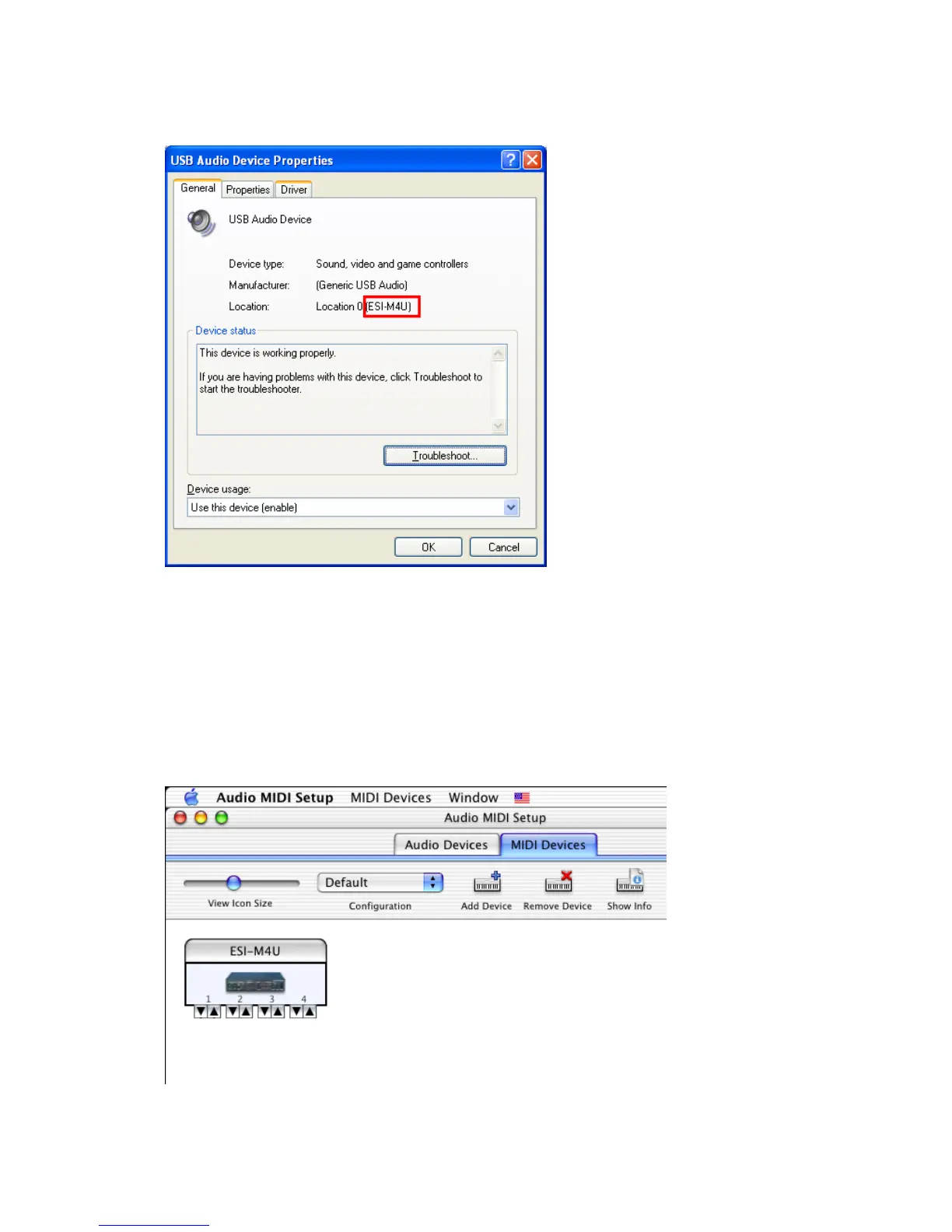
In Mac OS X 10.2 (Jaguar) or later, you can check if your M4U is recognized
properly by using Audio MIDI Setup application in Applications/Utilities folder.
Launch the Audio MIDI Setup application and click the MIDI Devices tab on the
Audio MIDI Setup window. If the M4U is recognized properly, the ESI-M4U icon
will be appeared on the window.



 To Next Page