ESI Miditerminal M4U
5
2. Description of Miditerminal M4U
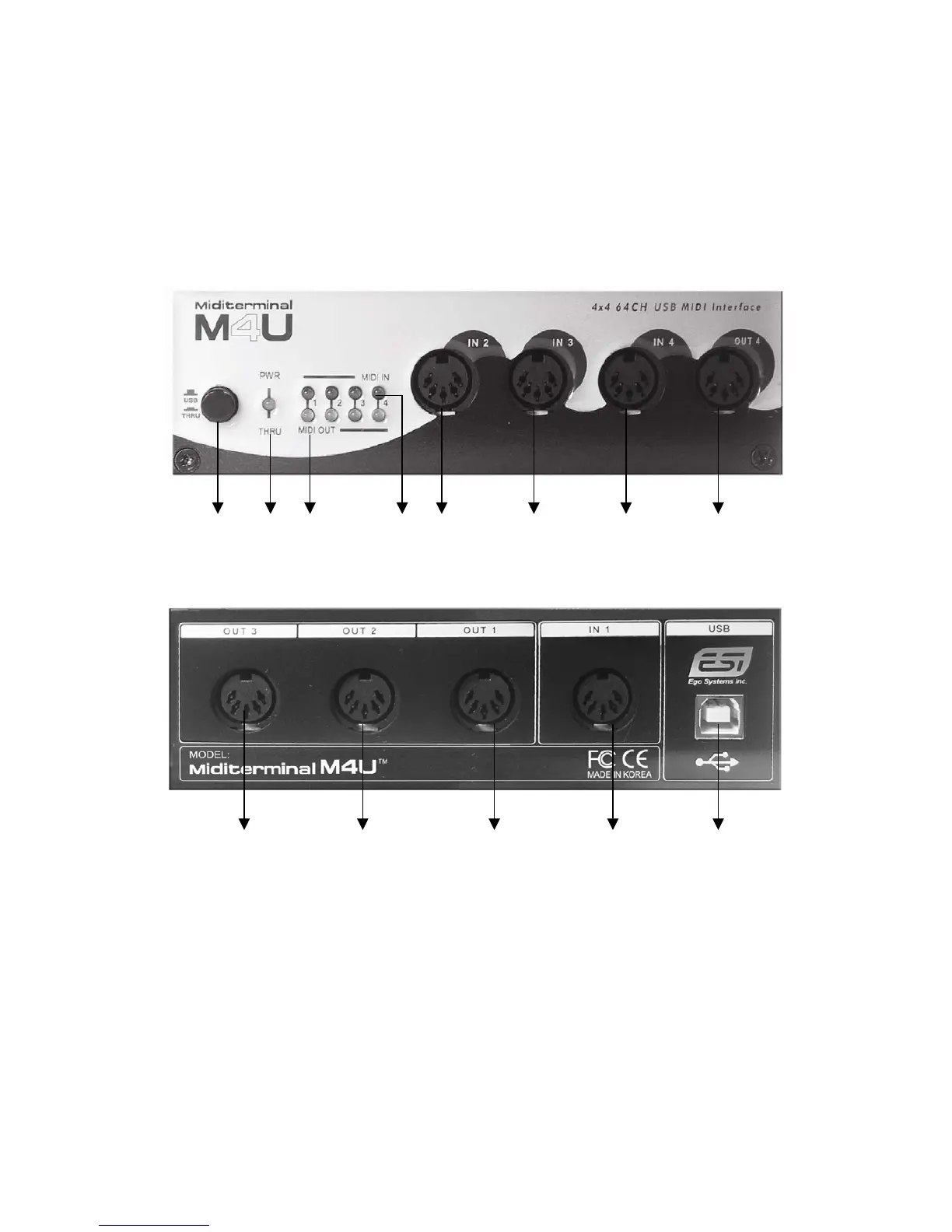
Front Panel
1 2 3 4 5 5 5 6
Rear Panel
6 6 6 5 7
1: USB/MIDI THRU switch
This is where you select USB mode or three kind of MIDI Thru mode.
1) USB mode: When you select this mode, M4U will be working as a basic MIDI
interface. It’s the Normal mode.
You can control MIDI in/ouput from your Sequencer application.
In addition, Power/THRU LED will become red color.
If you push the button again, you can go to the THRU mode.



 To Next Page