M8U ESI
5. Application Setup
This chapter contains the basic setup for some software applications. For more detailed info, please
refer to the manual of the software.
PC
Depending on the installed driver (either the exclusice ESI driver for Windows ME, 2000, XP or the
default driver under Windows XP), the device names are either called ‘M8U’ or ‘USB Audio
Device’.
Cubase SX
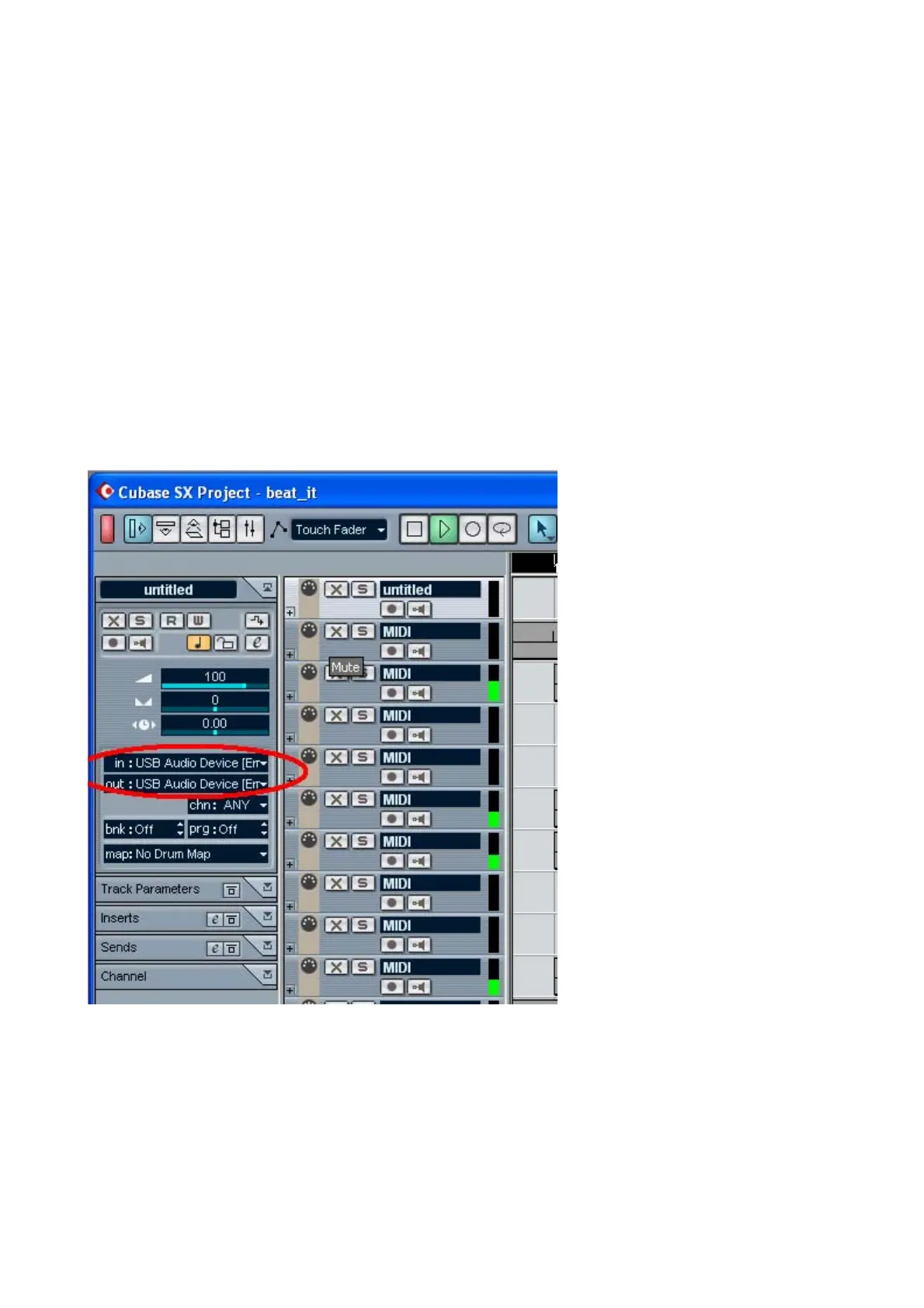
In Cubase, set input and output as USB Audio Device or M8U, depending on the driver you are
using. Check the picture below.
12


 To Next Page