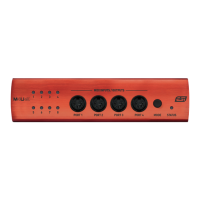
M8U ESI
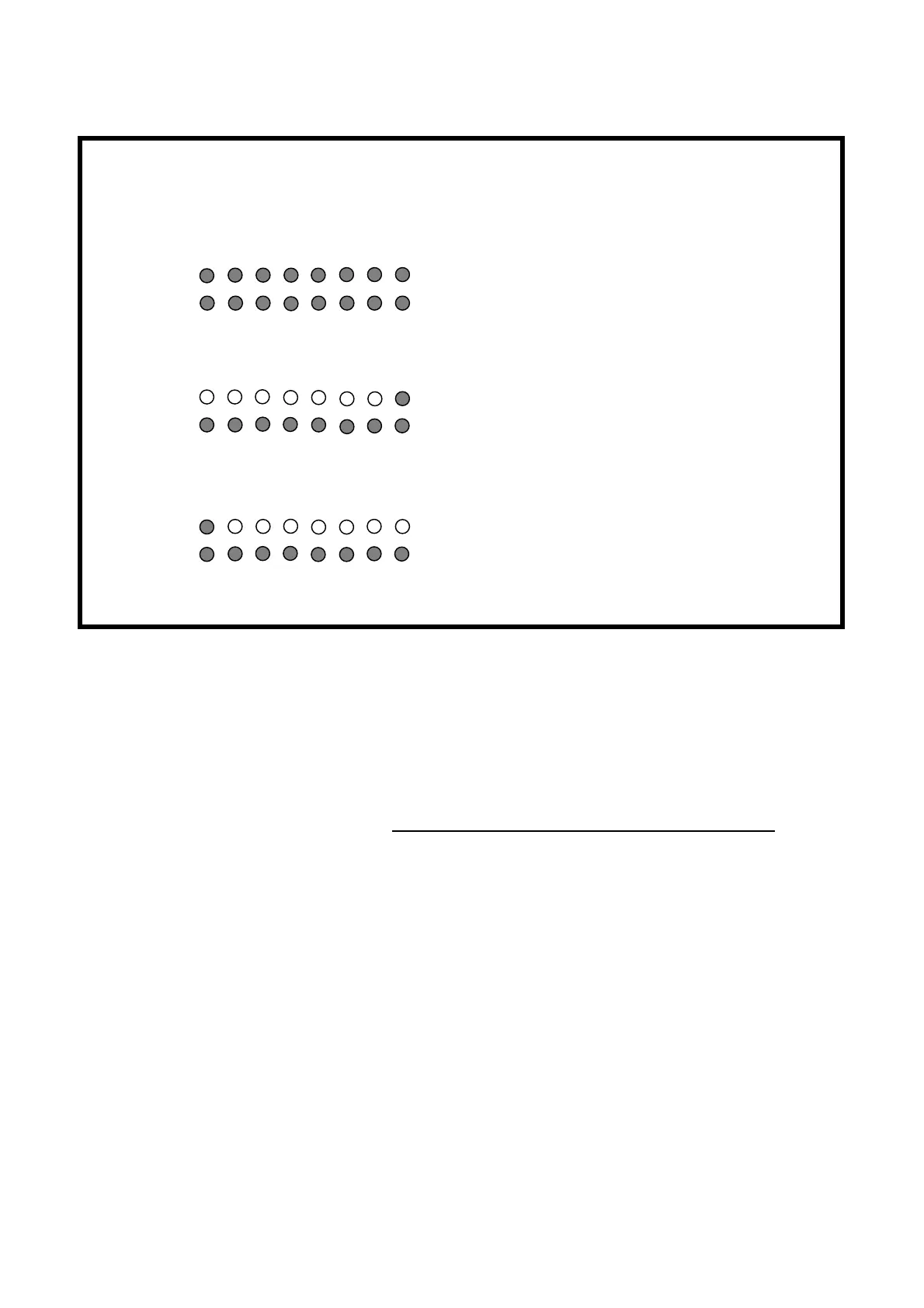
Function LED signal display
Normal
Basic MIDI interface
Thru 1
I/O port matching (1:1)
All LED display will be turned on
After 2~3 seconds, LED will be turn off again
Flickering according to the signal
Thru 2
In 8 -> All MIDI Outputs
In 8, Out 1~8 display will be turned on
After 2~3 seconds, Out 1~8 LED will be turn off
again (In 8 will be remains to be turned on)
Flickering according to the signal
Thru 3
In 1 -> All MIDI Outputs In 1, Out 1~8 display will be turned on
After 2~3 seconds, Out 1~8 LED will be turn off
again (In 1 will be remains to be turned on)
Flickering according to the signal
Caution: The Thru Mode works whether your computer is turned on or off.
3. MIDI IN LED display indicator
4. MIDI OUT LED display indicator
5. MIDI IN 1, 2, 3, 4, 5, 6, 7, 8 ports
6. MIDI OUT 1, 2, 3, 4, 5, 6, 7, 8 ports
(Output 8 is located both on front and rear side)
7. USB connector
8. External power supply connector
When your computer does not supply enough power via USB or if you want to use M8U as
stand-alone device, you need to use an optional external power supply adapter (DC 9 ~ 15 V,
300mA) which is not included and connect it here.
4


 To Next Page