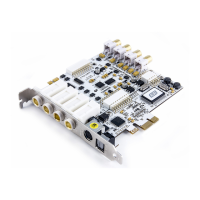
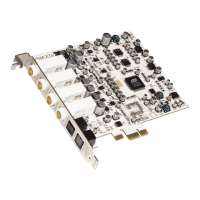
ESI MAYA44 XTe
6
To avoid possible static shock damage to the computer parts, discharge it by touching the computer
case or something grounded. We recommend you use an anti-static device such as an anti-static
wristband.
When holding the MAYA44 XTe card, touch only the guide or the edge of card. Do not grab the
card by the board or connector.
3.2 PCIe Card Installation
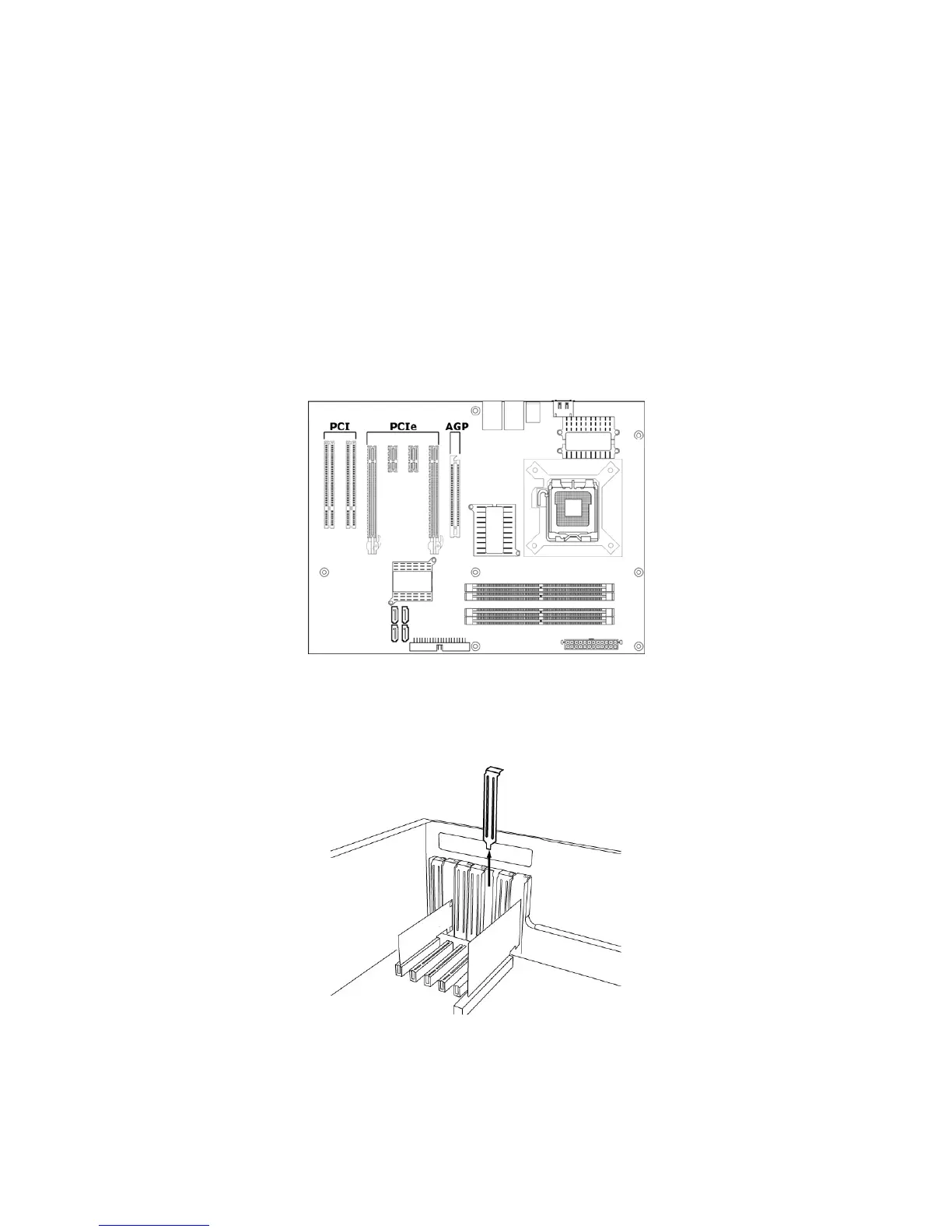
Find an empty PCIe slot on the motherboard. If you are unsure, please check the manual of your
mainboard or computer to identify the PCIe slot, or consult a computer specialist. There are
different types of PCIe slot, MAYA44 XTe will work both in a shorter PCIe x1 and in any longer
higher level PCIe slot, however not in old standard PCI slots.
Typical PC Motherboard Slot Configuration
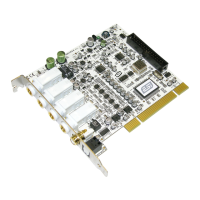
If a faceplate or cover is behind the PCIe slot, you can remove it by removing the screw holding it
in place or by prying it off with a screwdriver.
Removing the slot faceplate
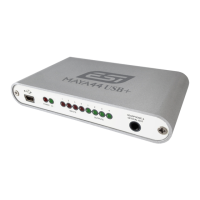
Insert the MAYA44 XTe card into the PCIe slot, firmly pushing the card into the slot until it is
seated securely. Replace the screw, and tighten.


 To Next Page