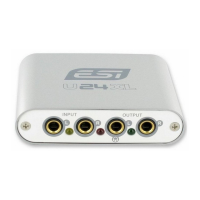
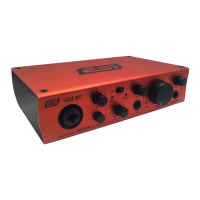
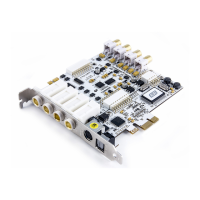
ESI MAYA44 XTe
9
4.2 Windows Vista & 7
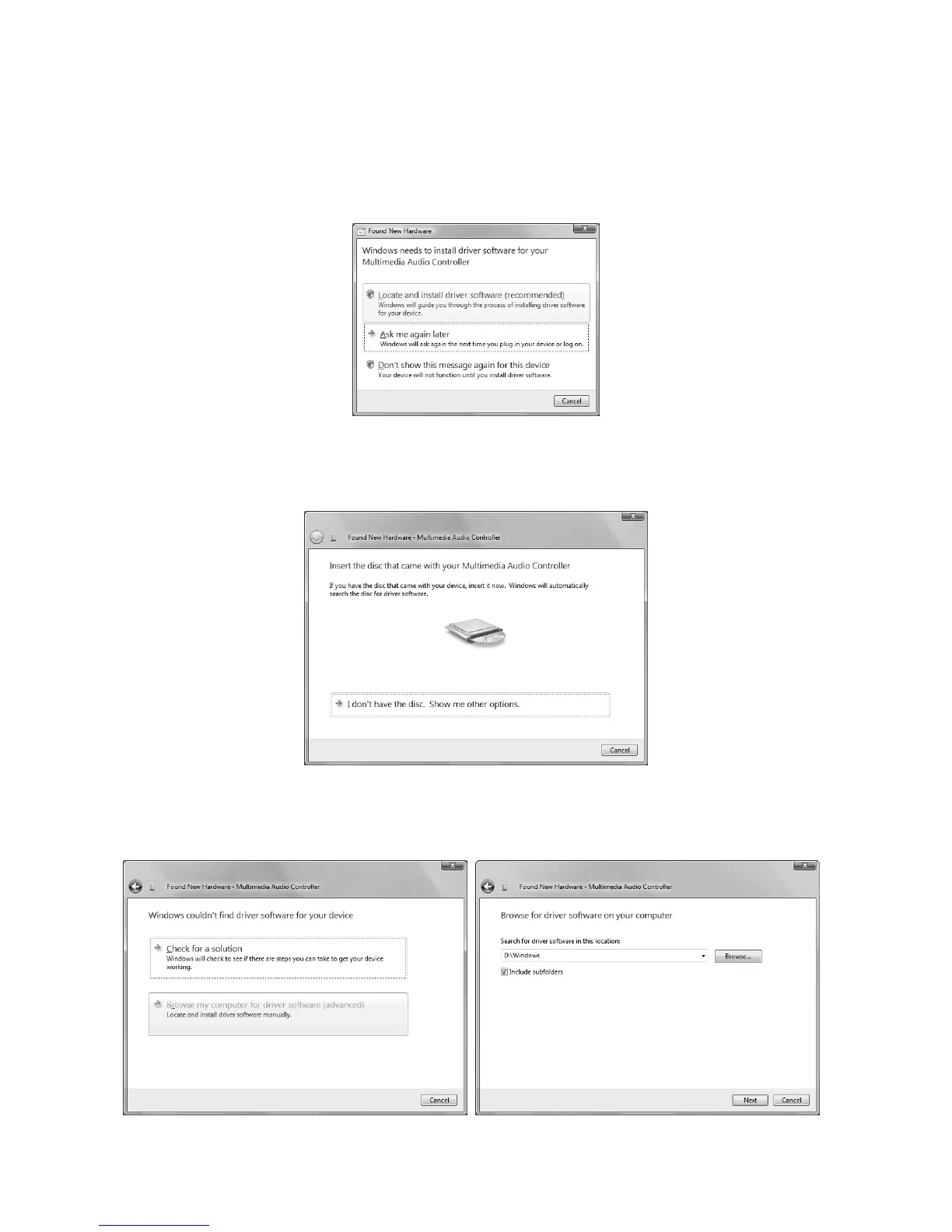
Turn on your computer. Windows will automatically detect a new device installation and the Found
New Hardware window will appear as seen on the following picture.
Select Locate and install driver software (recommended). Insert the driver CD only if you are
installing the original driver from the CD. If you are installing an updated driver from our website,
proceed by clicking on I don’t have the disc. Show me other options. on the following dialog.
If the following window on the left will appears, click on Browse my computer for driver software
(advanced) in order to show Windows where the driver files are located. The dialog on the right
will appear.


 To Next Page