3. Installation
1) Hardware Installation
Before you begin, make sure you have read your computer’s manual on installing USB devices. Your computer’s manual should
describe the precautions you should take. Shutting down the computer won’t be needed for installing an USB device to the
computer. However, we will take it from the start to make sure you can follow every detail of installation.
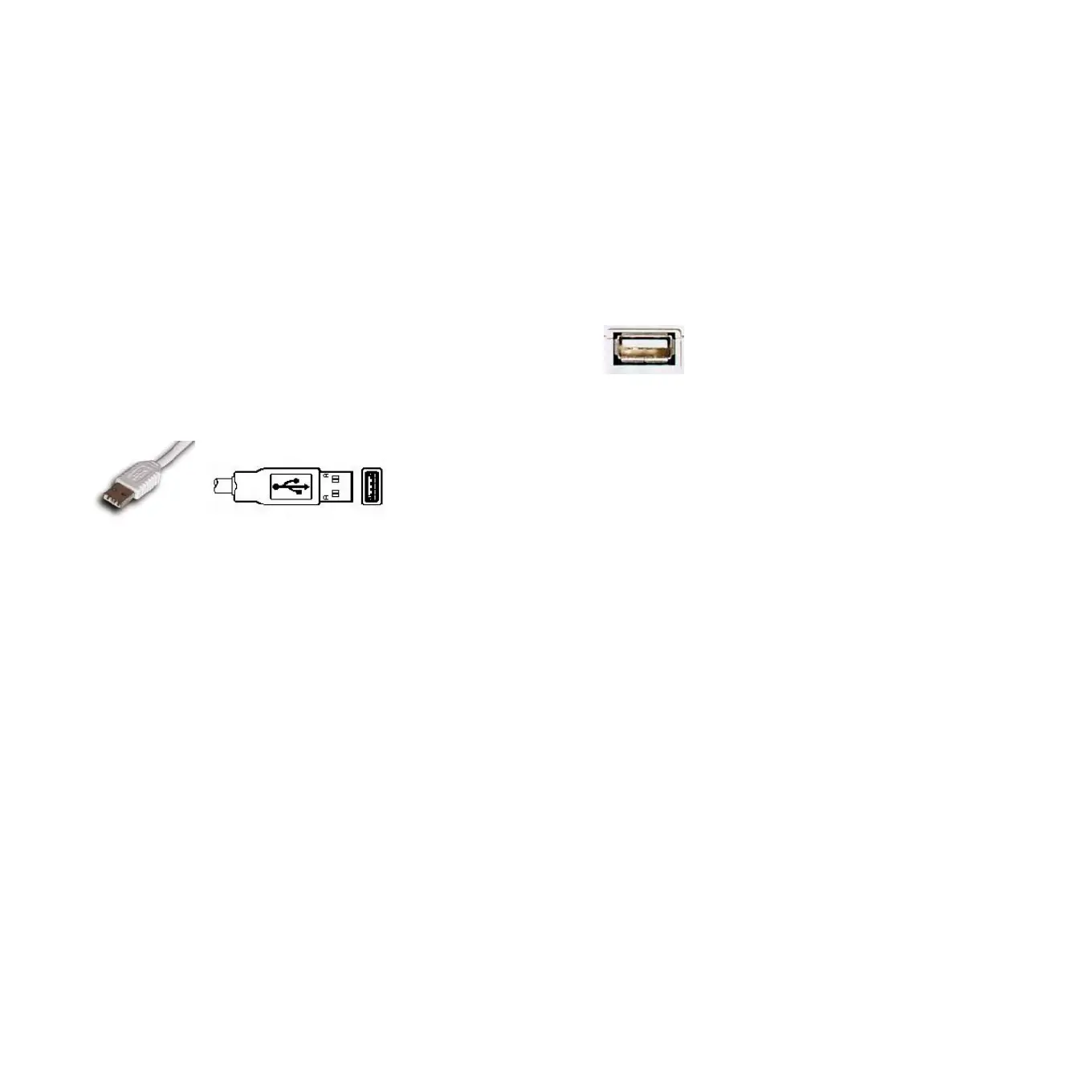
1. Find the USB port on your computer. The USB port looks like below.
USB port on computer
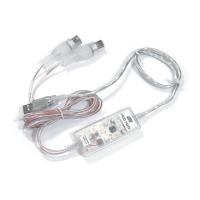
2. Plug in MIDI Mate’s USB connector (called Series A plug) to the USB port of your computer.
Series A plug
Turn on the computer. You will see the LED display of MIDI Mate is lit. The MIDI Mate gets the power from the computer via
USB cable so you don’t need to attach any external power supplier.
< End of Hardware Installation >
3


 To Next Page