4
2) Driver Installation
1. PC
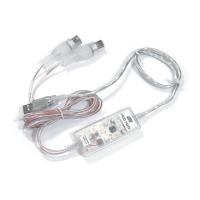
After Hardware installation is done properly, your PC or MAC computer will automatically detect the MIDI Mate and install the
default system driver.
MIDI Mate works with legacy Windows default MIDI drivers. However, Audiotrak provides MIDI Mate driver which will enhanced
Sys Exclusive message communication and pre Windows XP operating system compatibility.
Please read and follow the driver installation instructions from the installation guide included with the driver package. The
file name is located with setup file and named MIDIMate_Installation.pdf


 To Next Page