Further programs can be stored in the instrument. A SD card for
the storage of additional programs is sent to you. To store the
program the following steps need to be followed:
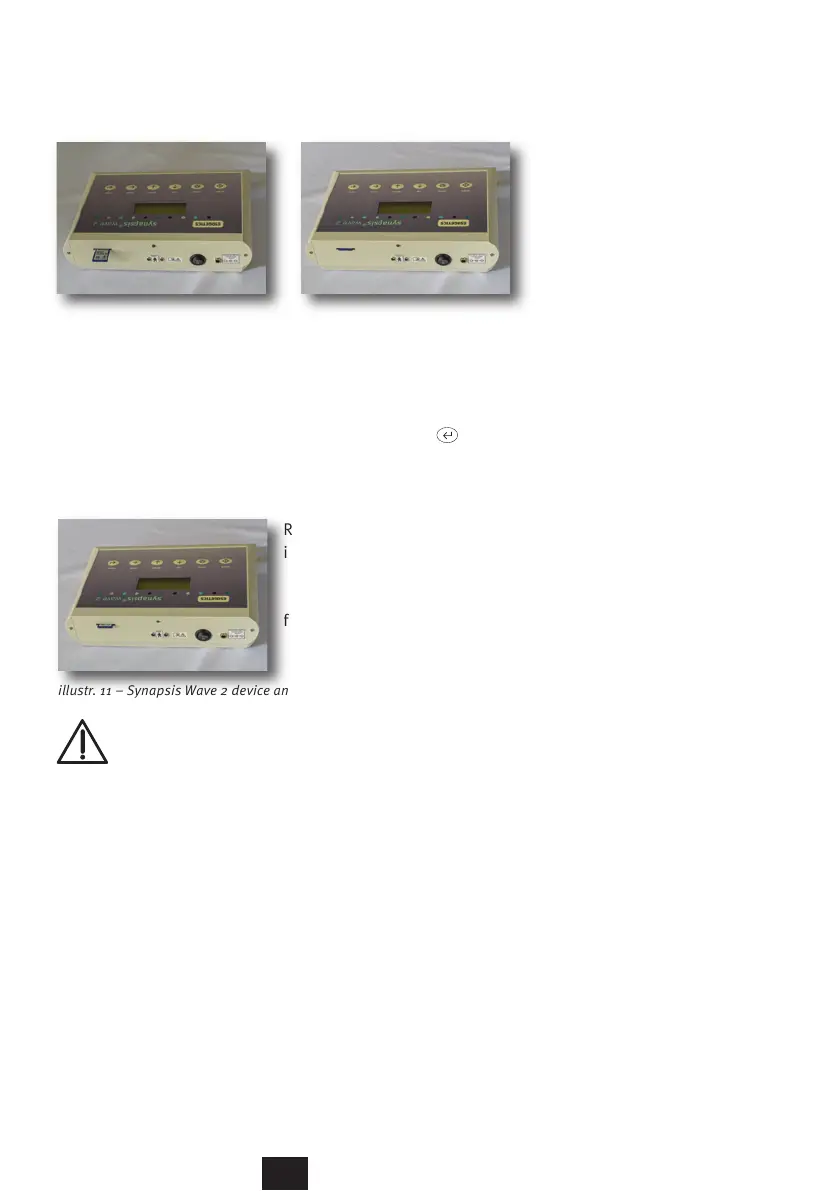
illustr. 9 und 10 – Synapsis Wave 2 device from the back
Turn the power switch in the back of the instrument to 0 (OFF).
Place the chip card into the back of the device (illustr. 10). The
contacts are pointing downward. Turn the power switch in the
back of the instrument to I (ON) and push the button .
The device is storing the additional programs.
Remove the SD card from the
instrument. A slight pressure
will activate the spring-loaded
mechanism to eject the card
from the device (illustr. 11)
illustr. 11 – Synapsis Wave 2 device and SD card
Caution: The interface is only approved for use with the
SD card and the explicit purpose of installing new pro-
grams. The patient needs to be disconnected from the device
before doing so. Connections with other devices require their
certification according to IEC 60601-1.
27



 To Next Page