Attention: Never clean the device with organic solvents
or abrasive cleansers. These substances may damage
the casing or the keypad.
To clean the cuffs please follow the instructions of the
manufacturer.
Observe the manufacturer’s recommendations in
regard to the life expectancy of the wrist cuffs.
6. Inspection, Maintenance and Repairs
6.1 Monitoring Proper Function
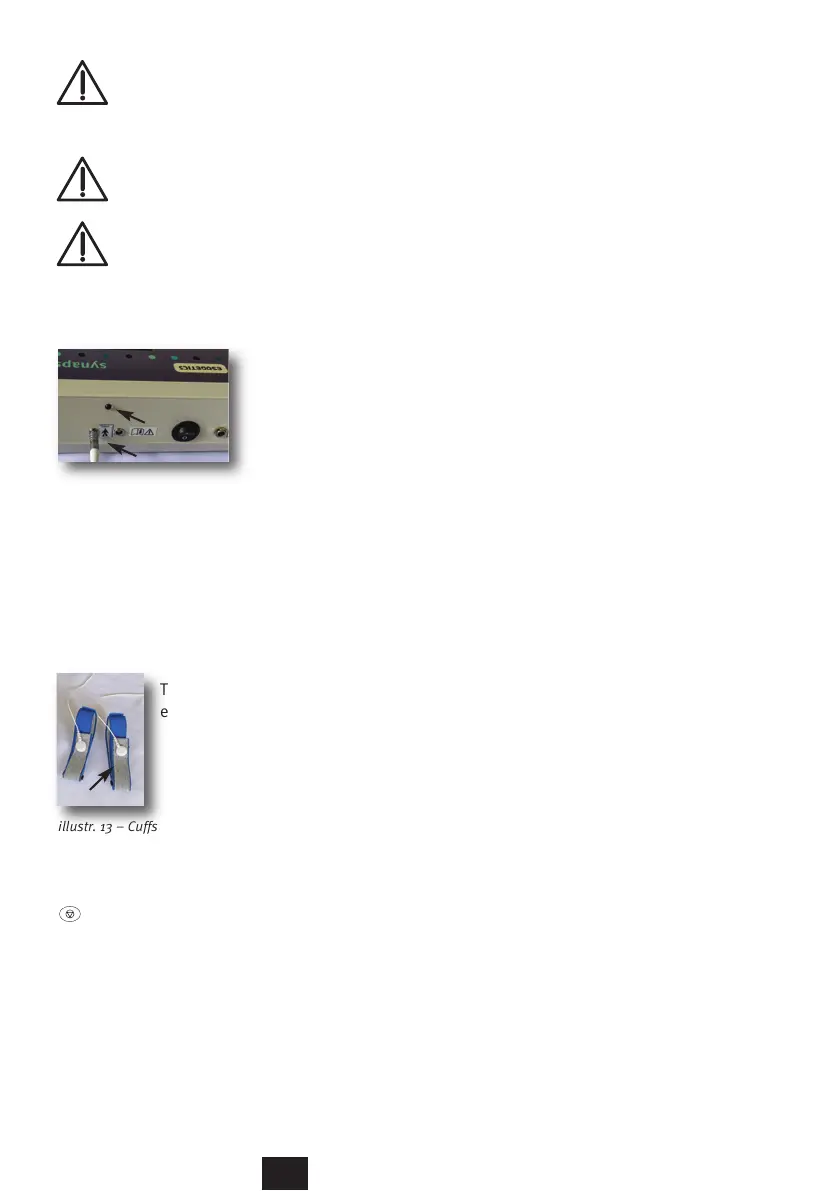
illustr. 12 – Device/ socket/ indicator bulb
In order to monitor its proper function the instrument has an
indicator bulb (illustr. 12/B) at the back of the instrument
beside the port for the round plug. To test the proper function,
please insert the round plug into the port at the back (illustr.
12/A). Attach the cuffs to the connector cable and start an
application, as described in chapter 2.2
Touch the silver plated surfaces of the cuffs to
each other (illustr. 13/A)
illustr. 13 – Cuffs
In case of proper function the orange indicator bulb (illustr.
12/B) will be flashing. Terminate the program by pushing the
button.
6.2 Maintenance
There is no special maintenance required for the instrument.
In case of uncertainties or complaints about the functionality,
please contact the manufacturer directly: Esogetics GmbH in
Bruchsal, Germany.
29
B
A
A



 To Next Page