EasyManua.ls Logo

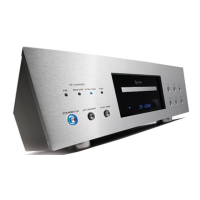
Esoteric UX-1 - Connecting to a Television; Connection Cautions and Video Output Options

Esoteric UX-1
46 pages
Print Icon
To Next Page IconTo Next Page
To Previous Page IconTo Previous Page
Loading...
10
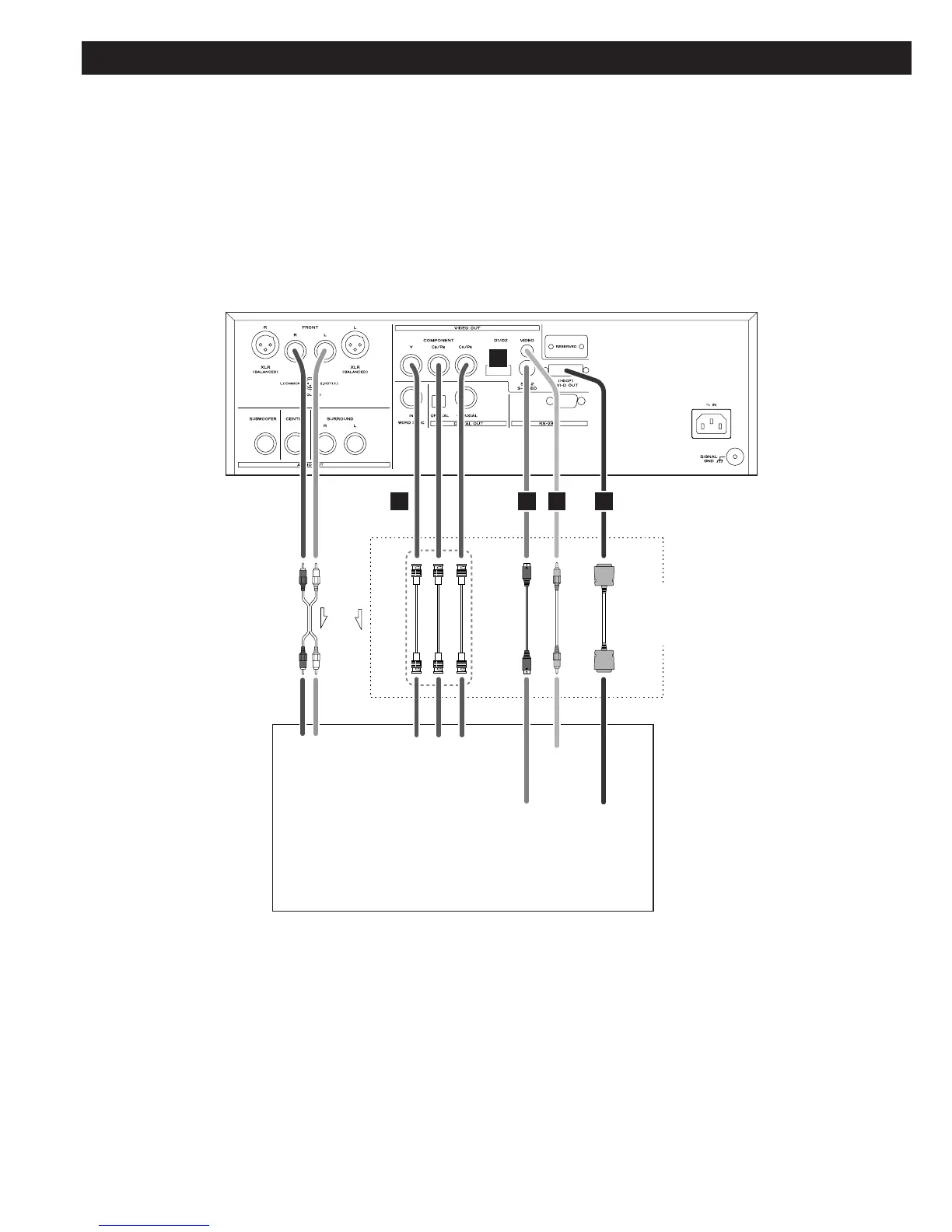
Connection to a TV
CAUTION:
<
Switch off the power to all equipment before making connections.
<
Read the instructions of each component you intend to use with this unit.
<
Be sure to insert each plug securely. To prevent hum and noise, avoid bundling the
signal interconnection cables together with the AC power cord or speaker cables.
AUDIO IN VIDEO
IN
S-VIDEO
IN
COMPONENT
VIDEO IN
DVI-D IN
(HDCP)
RL Y PB PR
A
B
C D E
If you are not using an
audio amplifier, connect
the L and R analog audio
outputs to the appropriate
audio inputs of the
television.
Only use one method of video connection
(note that the BNC component method
uses three cables).
TV (Monitor)
RCA cable
RCA video cable
DVI cable
S-Video cable
BNC coaxial cables

Related product manuals