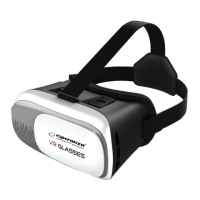
1. Retractable telephone handle
2. Slider to set the lenses distance from your telephone screen
3. Sliding to set the lenses spacing
4. Grips to fasten a belt
5. Lenses
6. Cushioning pad
Getting started with the EMV300 glasses.
1. Prior to putting your smartphone in the glasses, upload films or games to be played using the
glasses. To do it, download VR-marked games and films from the app store (APP Store or Google Play
Store) or Google Cardboard onto your smartphone.
If you plan to watch films in the 3D standard install a VR-marked video player (e.g. VR Player).
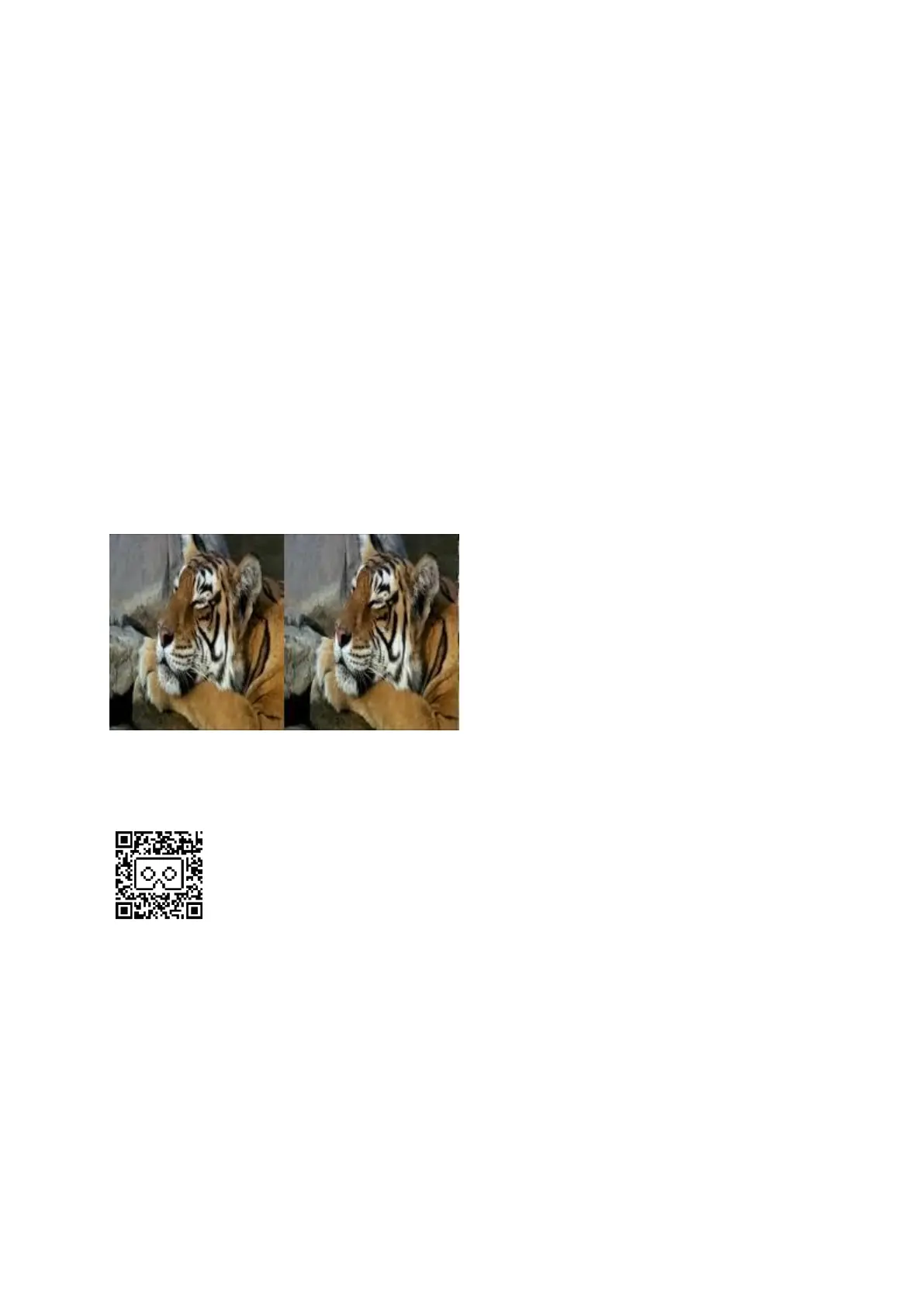
3D films to be watched with the glasses must be recorded in the "Side by Side" standard (that is,
images for the left and right eye are displayed simultaneously side by side).
ATTENTION!
Some applications may require to scan a QR code in order to properly configure the telephone. If
so, use the code printed below.
2. Optionally (if you have one) install and run the game controller.
3. Start the game or film which you want to watch with the glasses.
4. Push out the telephone holder (it moves to the right).
5. Fasten the telephone in the middle of the handle using a sliding grip.
6. If you use headphones drag their cable through one of holes in the glasses and connect them to
your phone.
7. Push the handle with the fastened telephone into the glasses casing so that the headphone
cable does not block the screen.
8. Follow the rules and sit in the place specified above (See Section: "Warnings on health and


 To Next Page
 Loading...