2. Hardware Preparation
2.1. Hardware Preparation
•
ESP32-S2-MINI-1 and ESP32-S2-MINI-1U modules
• Espressif RF testing board
• One USB-TTL serial module
• PC, Windows 7 recommended
•
Micro-USB cable
2.2. Hardware Connection
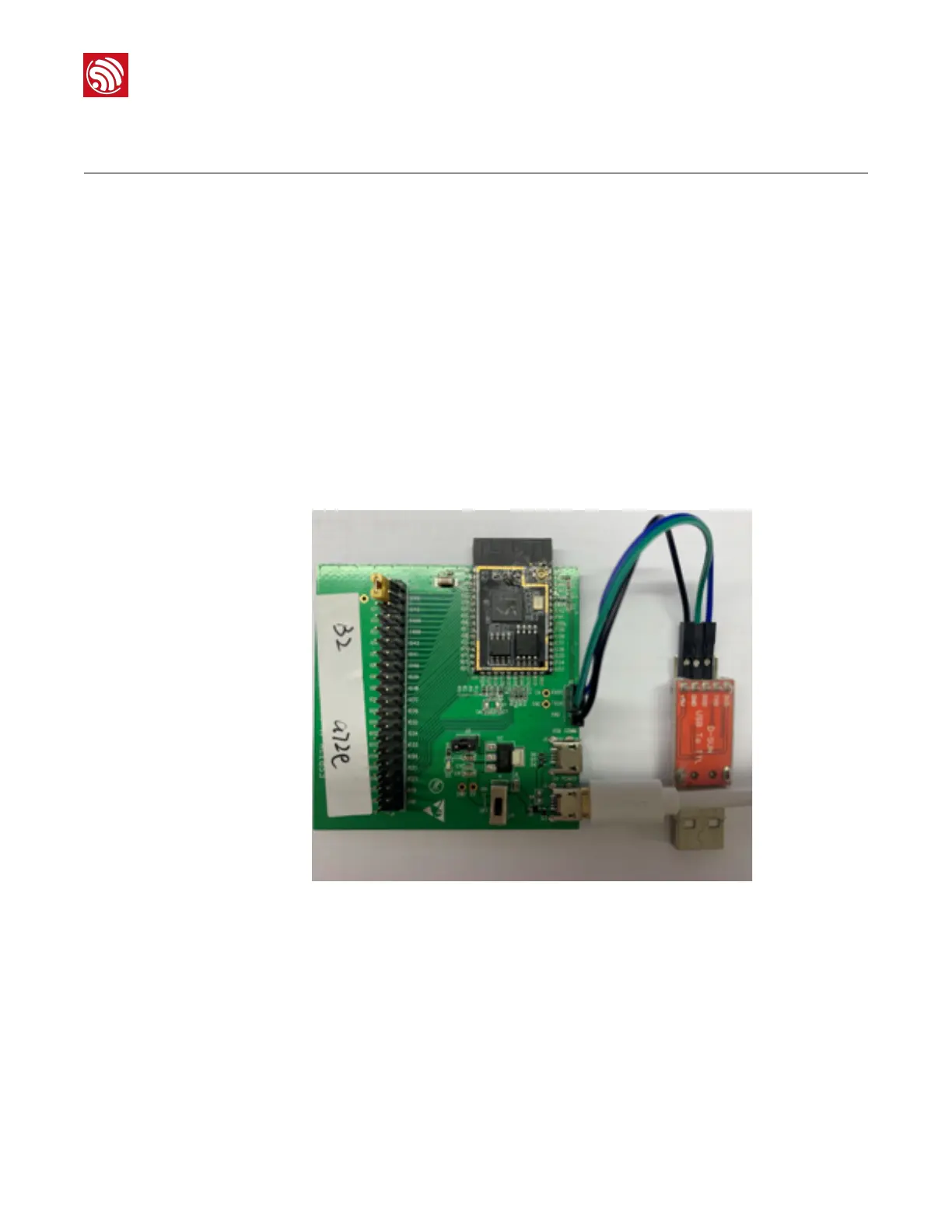
1. Connect ESP32-S2-MINI-1, ESP32-S2-MINI-1U and the RF testing board, as Figure
2-1 shows.
Figure 2-1. Testing Environment Setup
2. Connect USB -UART serial module to the RF testing board via TXD, RXD and GND.
3. Connect USB-UART module to the PC.
4. Connect the RF testing board to the PC or a power adaptor to enable 5 V power
supply, via the Micro-USB cable.
5. During download, short IO0 to GND via a jumper. Then, turn "ON" the board.
6. Download firmware into flash using the download tool ESP32-S2 DOWNLOAD TOOL.
7. After download, remove the jumper on IO0 and GND.



 To Next Page