Using the
Espresso Side
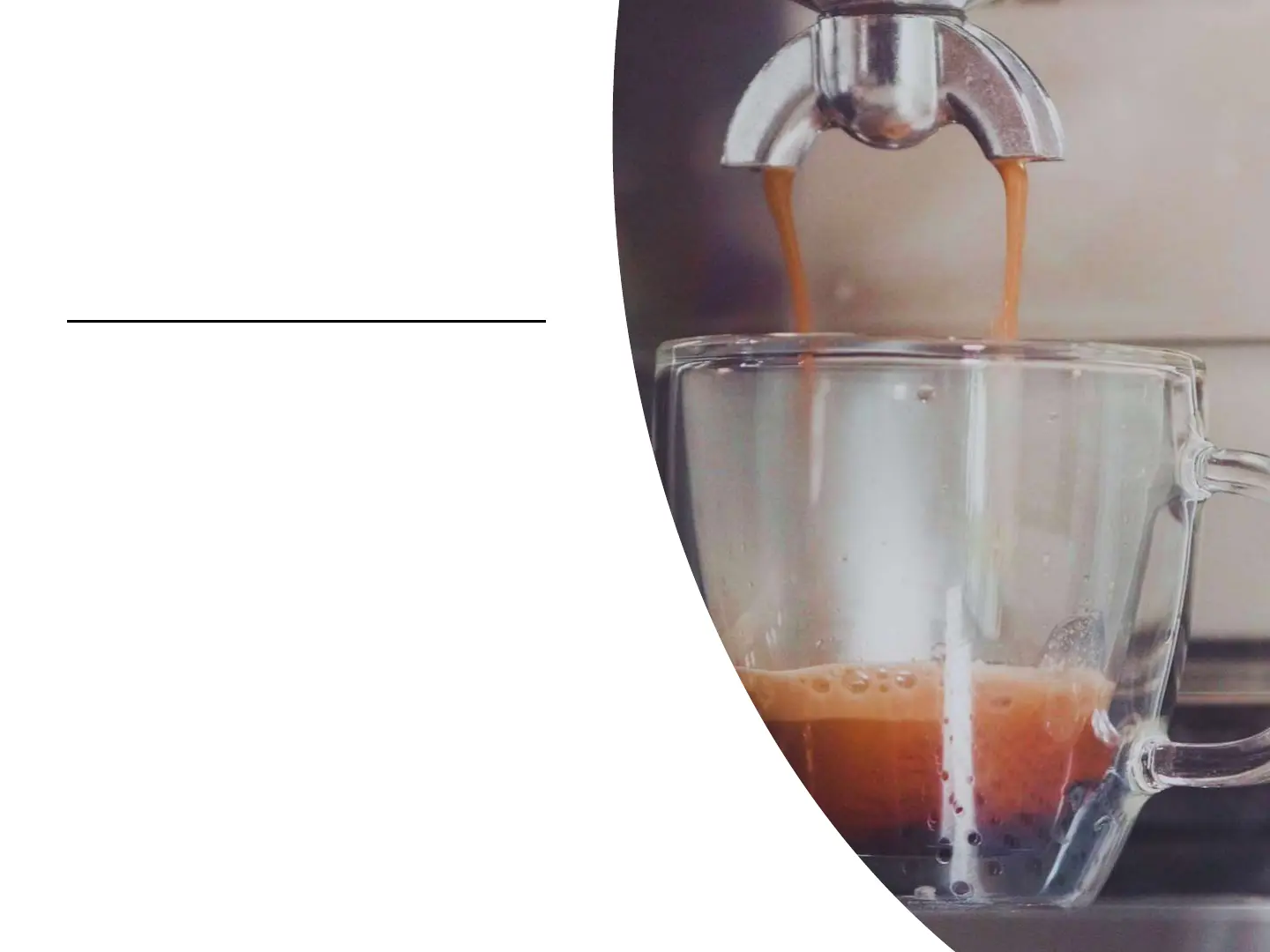
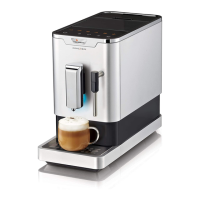
• Now you have the option of making 1
or 2 cups. Please note that these 2
switches are programmable. They are
factory set but you can change. To
start the espresso making, simply
press and release your finger on either
switch. You will hear the pump come
on and then go off for pre-wetting and
then a few seconds the pump will
come on again and espresso will start
to flow into your cup. It will
automatically shut off when the level is
reached.
• Note that you can also raise and lower
the cup holder by pressing the 2 circles
on the drip tray to raise or press down
to lower.


 To Next Page