Using the
Espresso
Side
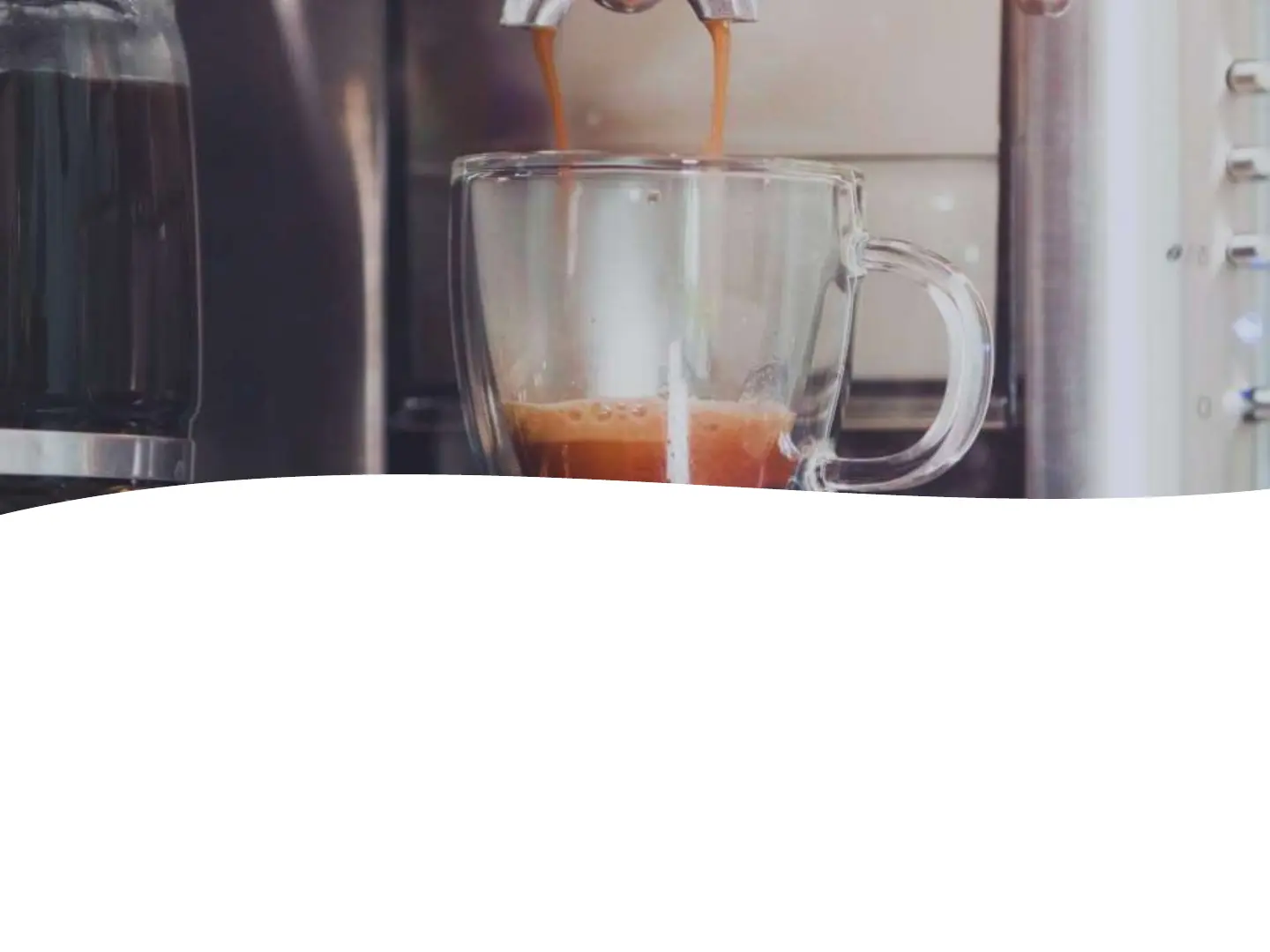
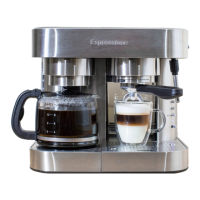
• If you want to change the amount of espresso being
made, you would simply set up the holder with coffee
and put on the unit and press and HOLD the switch
(either 1 or 2 cup) over to the right. Keep holding until it
fills the cup to the level you like and then release your
finger. This is now memorized. You can change at any
time doing the same process.


 To Next Page