44
3. Pull crown out to position 3. (Watch
stops.)
4. Turn crown clockwise until correct date
appears in window.
5. Continue to turn crown until hands indi-
cate correct time, taking AM/PM into
account.
6. Push crown back into position 1, flush
against case. (Watch will restart, now set to
correct date and time.)
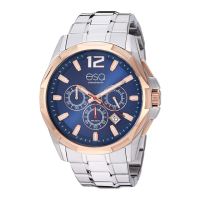
Chronograph Function Overview
Use buttons A and B to operate the stop-
watch timer. Pressing button A the first time
will start the chronograph. Pressing button A
a second time will stop the chronograph.
Pressing button B will reset counter hands C,
E and J to zero. Hours counter J measures
time up to 12 hours. Minutes counter E
measures 30 minutes per rotation. Seconds
counter C measures 60 seconds per rotation.



 To Next Page