Back to the 8 button bar available at the bottom left.
2) In this window it is possible to singularly modify volume, sample frequency and panpot, for each
of the 9 loaded samples.
3) This window proposes individual settings for each of the 4 analogical inputs. Y pressing the
button corresponding to the input you want to work with (i.e. IN1), it is possible to view the 4 band
EQ, parametric on overlapping bands and the reverb volume regulation.
The buttons below allow to:
“RESTORE”, to restore EQ in neutral position and reverber at zero.
“FREQ”, to assign the center frequency of the parametric EQ (active only on medium-low
and medium high frequency bands).
“SAVE”, to save all settings, including those of the successive parameters, in "SCENE" to
which you may assign a name by means of the CONSOLE that will automatically activate
itself by pressing the button.
“FX”, to access the available effects, currently: Compressor, Chorus, Combo (a guitar
amplifier simulator), and Delay. Select the desired effect by means of FX – and FX +
buttons. The "ACTIVE" button is also present to able (red) or enable (grey) the effect.
“EXIT” to exit the window
4) The functions activated by pressing this button are relative to a MIDI keyboard (not supplied),
eventually connected to the MIDI IN port of MatrixOne (naturally on opposite side of the MIDI cable
the MIDI OUT port of the keyboard must be connected) and to the available arranger.
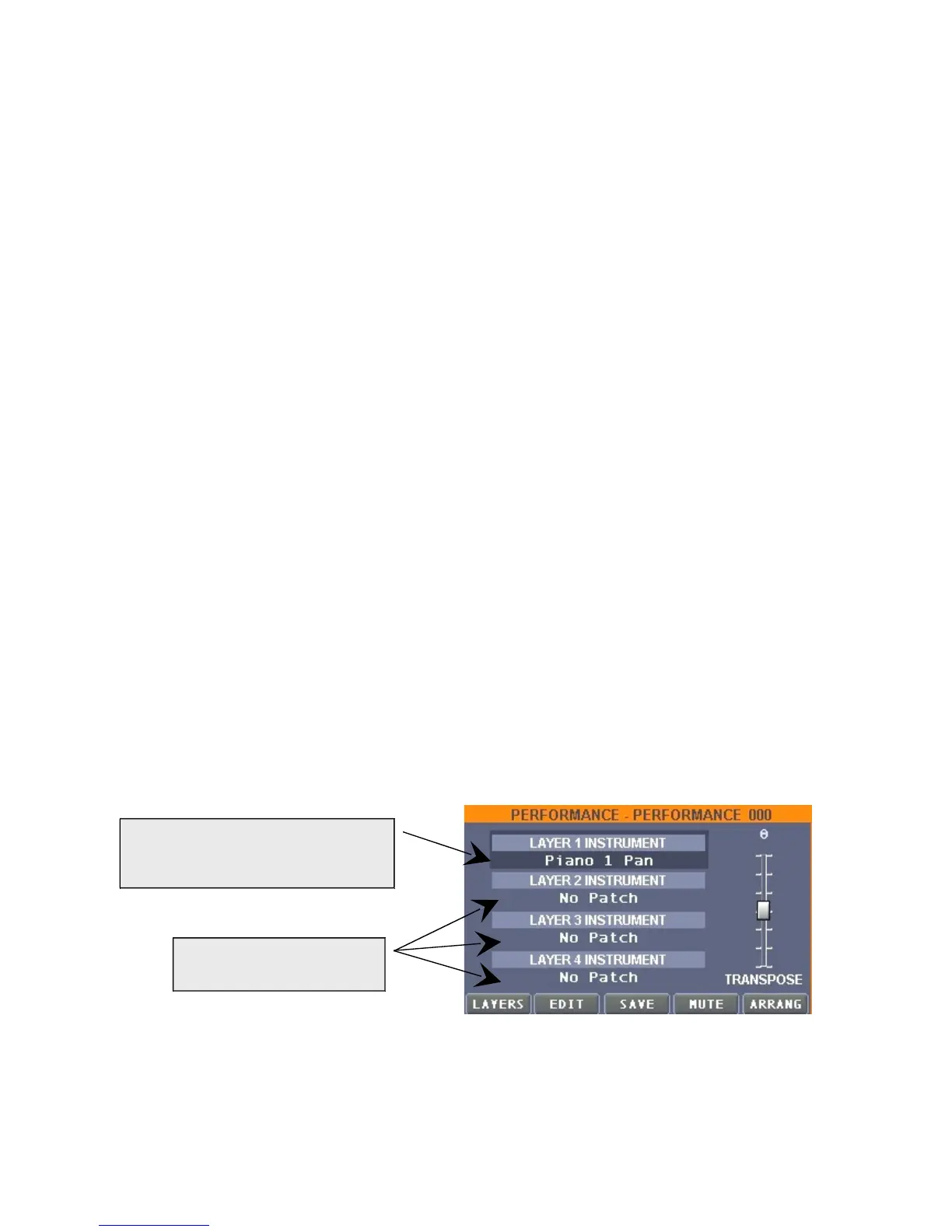
The first window regards the MIDI keyboard connected to MatrixOne.
It is possible to assign up to 4 "LAYERS" (that is keyboard zones) 4 different instruments.
The buttons on the bottom part of the window:


 To Next Page
 Loading...