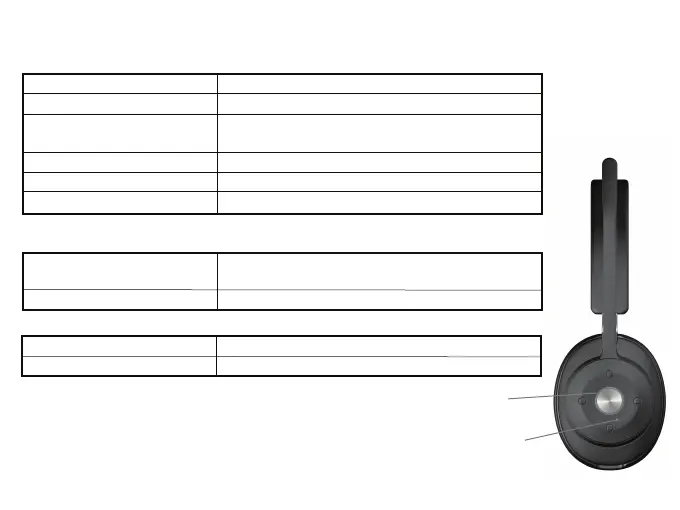
Lights
Bluetooth Pairing
Bluetooth Connected
Incoming Call
Incoming or Call in Progress
Microphone is Muted
Bluetooth / Charging Light flashes Blue & Red
Bluetooth / Charging Light is lit solid Blue
Busy Light is lit solid Red (smartphone only)
Bluetooth / Charging Light is lit solid Red
Bluetooth / Charging Light is lit solid Blue and
flashing Red
Bluetooth / Charging Light slowly flashing Red
Headset Powered On
Bluetooth Connected and
Charging
Low battery
Headset Powered On Battery Status (Not available when Mic muted)
Bluetooth /
Charging Light
Busy Light
Busy Light Enabled
Busy Light is lit solid Red
Bluetooth / Charging Light slowly flashing Red
(smartphone only)
Page 5
Bluetooth / Charging Light flashing Red
Bluetooth / Charging Light is turned off
Charging
Fully Charge
Headset Powered Off Battery Status



 To Next Page