EasyManua.ls Logo

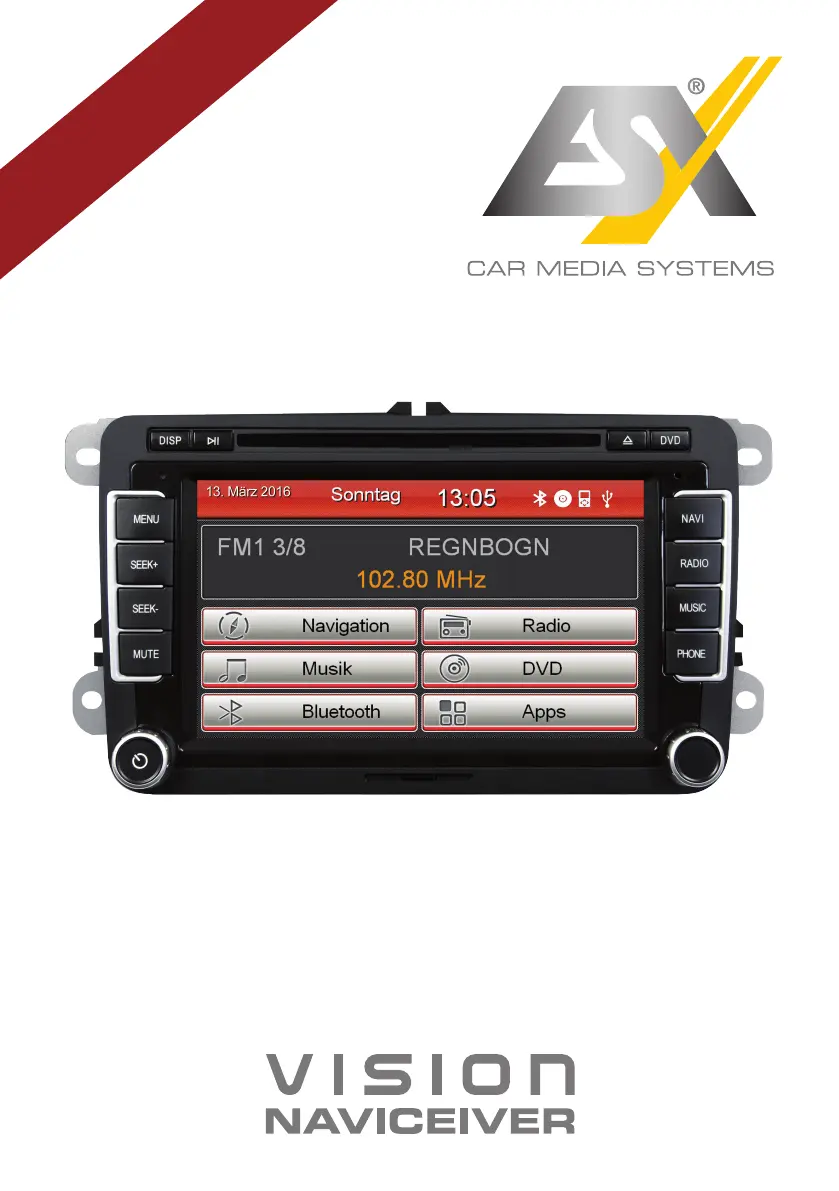
ESX VNS720 VW-U1 - User Manual

ESX VNS720 VW-U1
48 pages
Print Icon
To Next Page IconTo Next Page
Loading...
VNS720 VW-U1
V1. 3
OWNER‘S
MANUAL

Other manuals for ESX VNS720 VW-U1

Questions and Answers

Summary

Safety Information

Basic Functions

Navigation System Usage

Explains how to install and operate navigation software compatible with Windows CE 6.

Audio Player Functionality

Details how to play music files (MP3, WMA, WAV) and control playback.

Radio Tuner Operation

Explains how to access and tune radio stations, including frequency and RDS information.

DVD;CD Player Operation

Covers playback of DVD and CD formats, including disc ejection and playback controls.

Bluetooth Connectivity

Guides on pairing mobile devices, connecting, and disconnecting via Bluetooth.

Sound Adjustment Options

Covers adjusting bass, middle, treble, and speaker balance.

Android Smartphone Mirroring (E-Link)

Explains how to mirror Android smartphone apps and functions onto the device.

Custom Settings

Advanced Operations

Rear View Camera Functionality

Details the automatic display of the rear camera image when reverse gear is engaged.

Troubleshooting

Device Power and Screen Issues

Addresses problems related to the device not turning on or the screen being black.

Audio Output and Quality Problems

Solves issues with no sound or distorted audio from the vehicle's sound system.

Media and External Device Errors

Fixes problems with CD/DVD playback and non-responsive connected devices.

Navigation and Radio Functionality Issues

Troubleshoots problems with navigation starting, route guidance, and radio reception.

Connectivity and Camera Transmission Issues

Addresses Bluetooth connection problems and rear camera transmission errors.

ESX VNS720 VW-U1 Specifications

General IconGeneral
BrandESX
ModelVNS720 VW-U1
CategoryCar Navigation system
LanguageEnglish

Related product manuals