EasyManua.ls Logo

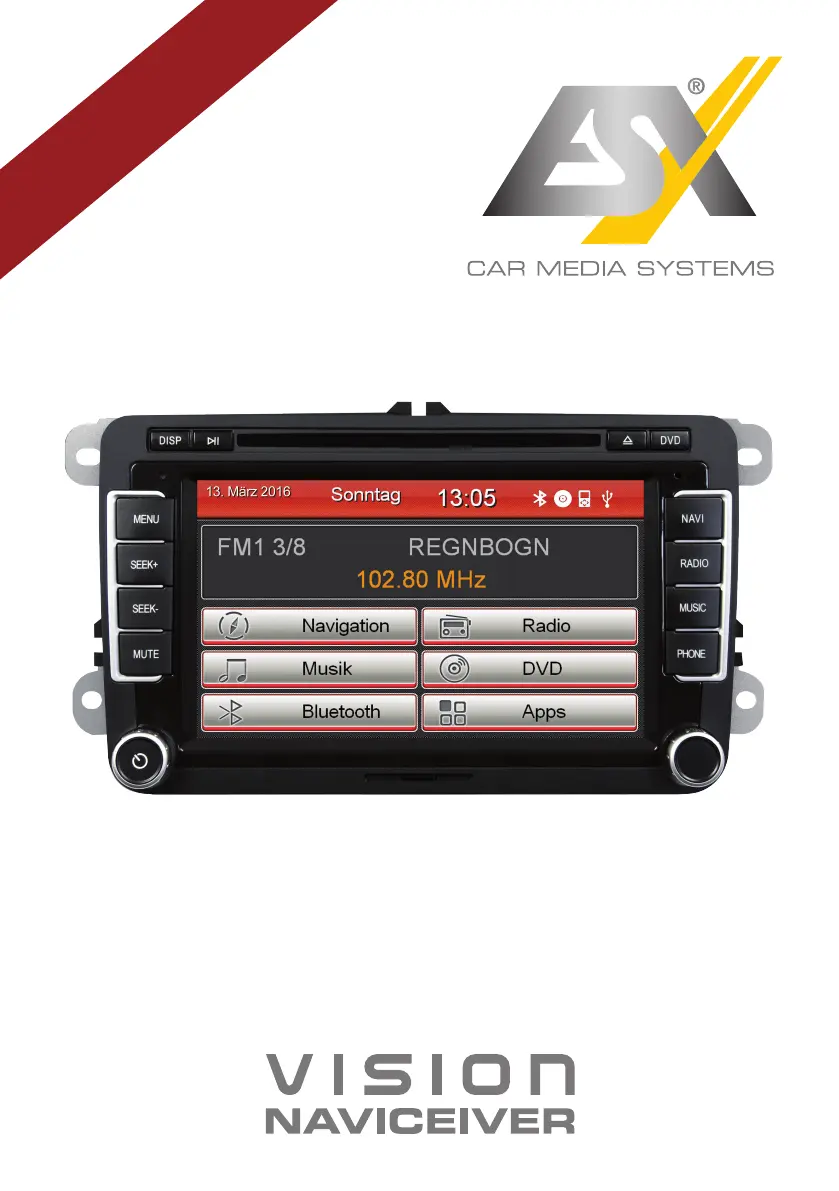
ESX VNS720 VW-U1 - User Manual

ESX VNS720 VW-U1
48 pages
Print Icon
To Next Page IconTo Next Page
Loading...
VNS720 VW-U1
V1. 3
OWNER‘S
MANUAL

Other manuals for ESX VNS720 VW-U1

Questions and Answers

  • J
    Jordan SinghAug 21, 2025
    How to turn on ESX VNS720 VW-U1 if it doesn't power on?
    • S
      Stephen RichardsonAug 21, 2025
      If your ESX Car Navigation system won't turn on, even with the ignition off, try pressing and holding the power button for about 2 seconds. Note that the device automatically switches off after 30 minutes. Also, check the fuse, as the issue may be due to a defective fuse either in the device or the vehicle's electronics. If it is defective, replace it with a new fuse of the same type and value.
  • B
    Barbara HicksSep 3, 2025
    Why doesn't the route guidance match the road on my ESX VNS720 VW-U1?
    • R
      Ryan Ritter MDSep 3, 2025
      If the route guidance on your ESX Car Navigation system does not match the current road or the map is wrong, the navigation software may not be up to date. Update the software or contact the software supplier.
  • J
    John BishopSep 1, 2025
    What to do if the screen is black on ESX Car Navigation system?
    • J
      Jordan MckinneySep 1, 2025
      If the screen on your ESX Car Navigation system is black, first tap the screen to see if the display is disabled. If that doesn't work, press the left knob on the device, as it may be in standby mode.
  • A
    Ashley McdanielAug 30, 2025
    How to fix distorted sound on ESX VNS720 VW-U1 Car Navigation system?
    • W
      walter53Aug 31, 2025
      If the sound from your ESX Car Navigation system is distorted, overdriven, or has strong noises, the equalizer settings or the volume settings of each application may be set unfavorably. Check the audio settings under Apps - Audio or Advanced. Correct the settings and test if the sound improves.
  • A
    Alex BrownAug 29, 2025
    Why can't my ESX Car Navigation system find any radio stations?
    • A
      Andrea ChangAug 29, 2025
      If your ESX Car Navigation system isn't finding any radio stations during an automatic search, try these steps: * First, check the PTY setting. If a program type is selected that's not available in your current area, select 'None' under PTY to disable the search for a specific program type. * Second, disable the AF and TA functions and start the search again. * Finally, the antenna system may be the cause. Check the plug connection of the original antenna to the radio, or inspect the car's antenna system.
  • V
    Victoria LucasAug 27, 2025
    How to fix inaccurate touch screen on ESX VNS720 VW-U1 Car Navigation system?
    • B
      Brittany RogersAug 27, 2025
      If you're experiencing inaccurate or delayed touchscreen input on your ESX Car Navigation system, it may be due to the touch-screen not being properly calibrated. To resolve this, calibrate the touch screen under Apps - Options - System. Also, if the device is opening an application or processing something, wait until the process is completed, as this can also cause delays.
  • D
    Donna DoyleAug 26, 2025
    Why won't my devices connect to my ESX VNS720 VW-U1 via Bluetooth?
    • G
      Gregory GonzalezAug 26, 2025
      If you're experiencing connection or pairing issues with your ESX Car Navigation system, here are a few things to check: * First, ensure that the Bluetooth function on your phone is enabled. * If Bluetooth is enabled but your phone is not visible, enable the 'visible' setting in your phone's Bluetooth settings. * Compatibility issues can also cause problems. If your phone's Bluetooth standard is not compatible, try using a compatible phone. * Too many registered devices can also interfere with pairing. Delete any unused Bluetooth devices from the device's storage.
  • M
    Megan HendersonAug 25, 2025
    What to do if ESX VNS720 VW-U1 Car Navigation system can't find my location?
    • J
      Justin HopkinsAug 25, 2025
      If your ESX Car Navigation system is unable to find your current location or the route guidance is disturbed, consider the following: * Check the GPS antenna connection. Ensure it is correctly connected, and replace it if defective. * You may be in an area with a weak or nonexistent GPS signal, such as a tunnel or remote road. In this case, continue driving until the GPS signal becomes available again.
  • R
    Rebecca WilliamsAug 22, 2025
    Why is there no sound from my ESX Car Navigation system in the car?
    • B
      Brent MitchellAug 22, 2025
      If you can't hear any sound from your ESX Car Navigation system through the vehicle's sound system, there are a few things to check: * First, verify all connections and replace any damaged cables. Incorrect connections or defective cables can cause this issue. * Second, review the audio settings under Apps - Audio - Advanced to ensure they are correctly configured and compatible with your vehicle's sound system. Test each setting step by step. * Finally, try disconnecting the vehicle's battery for at least 30 minutes to properly activate the audio system.

Summary

Safety Information

Basic Functions

Navigation System Usage

Explains how to install and operate navigation software compatible with Windows CE 6.

Audio Player Functionality

Details how to play music files (MP3, WMA, WAV) and control playback.

Radio Tuner Operation

Explains how to access and tune radio stations, including frequency and RDS information.

DVD;CD Player Operation

Covers playback of DVD and CD formats, including disc ejection and playback controls.

Bluetooth Connectivity

Guides on pairing mobile devices, connecting, and disconnecting via Bluetooth.

Sound Adjustment Options

Covers adjusting bass, middle, treble, and speaker balance.

Android Smartphone Mirroring (E-Link)

Explains how to mirror Android smartphone apps and functions onto the device.

Custom Settings

Advanced Operations

Rear View Camera Functionality

Details the automatic display of the rear camera image when reverse gear is engaged.

Troubleshooting

Device Power and Screen Issues

Addresses problems related to the device not turning on or the screen being black.

Audio Output and Quality Problems

Solves issues with no sound or distorted audio from the vehicle's sound system.

Media and External Device Errors

Fixes problems with CD/DVD playback and non-responsive connected devices.

Navigation and Radio Functionality Issues

Troubleshoots problems with navigation starting, route guidance, and radio reception.

Connectivity and Camera Transmission Issues

Addresses Bluetooth connection problems and rear camera transmission errors.

ESX VNS720 VW-U1 Specifications

General IconGeneral
BrandESX
ModelVNS720 VW-U1
CategoryCar Navigation system
LanguageEnglish

Related product manuals