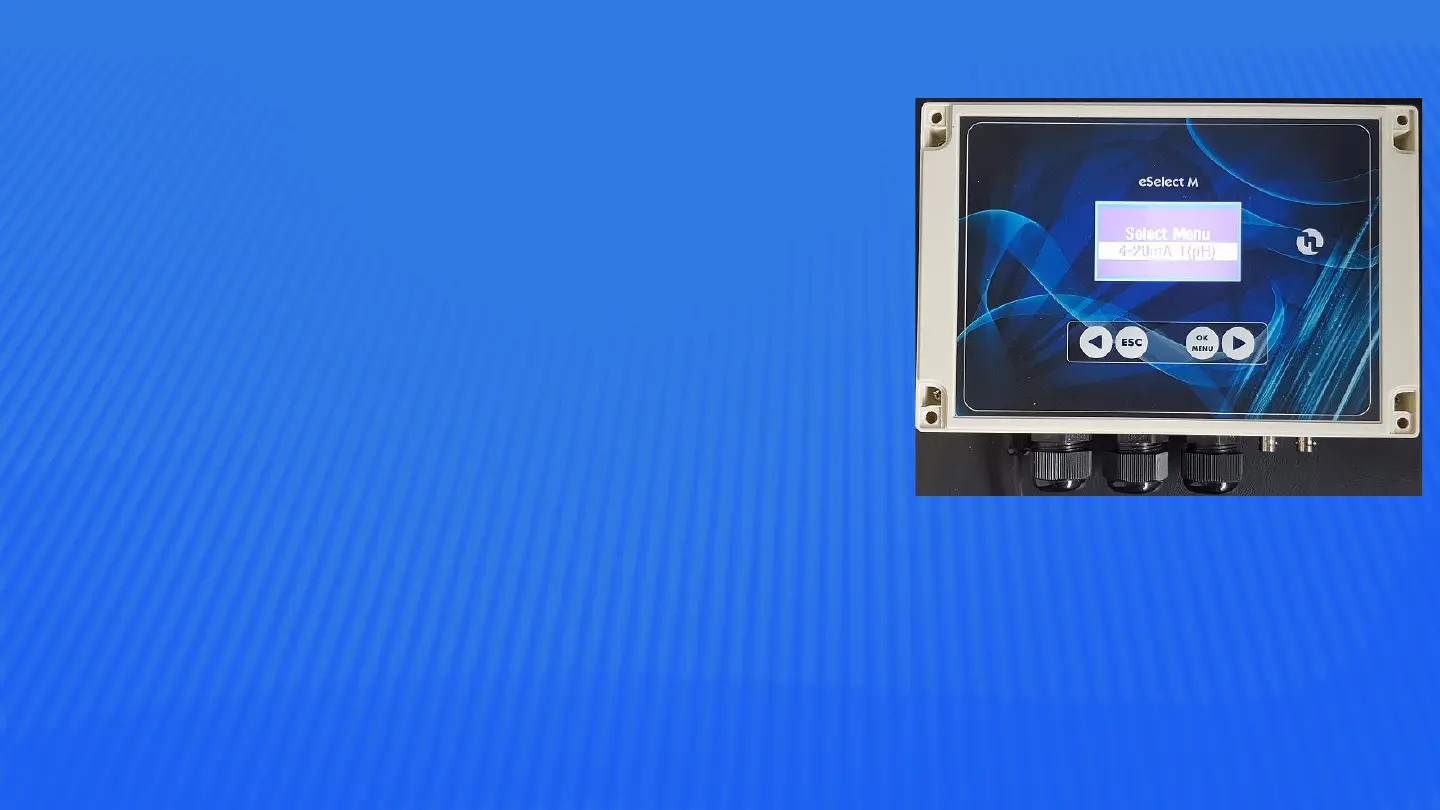
4-20mA Menu - eSelect M
Window Width sets the distance from the setpoint
where the 4-20mA mode starts and stops.
Press right arrow to move to Overdosing to set the
required time, eg the permitted time to meet the
required setpoint. If the set time is reached the
instrument outputs will be shut and the relay output
can then be set to trigger an alarm if required.
Next screen is Max Dosing eg a safety feature that
ensures the metering is completed within the set time.
Above applies to expert mode only. Screen will differ
slightly from one channel to the next eg pH, RX or CL.



 To Previous Page