EasyManua.ls Logo

ETC SmartPack - Page 30

ETC SmartPack
32 pages
Print Icon
To Next Page IconTo Next Page
To Previous Page IconTo Previous Page
Loading...
26 SmartPack User Manual
ETC SmartPack
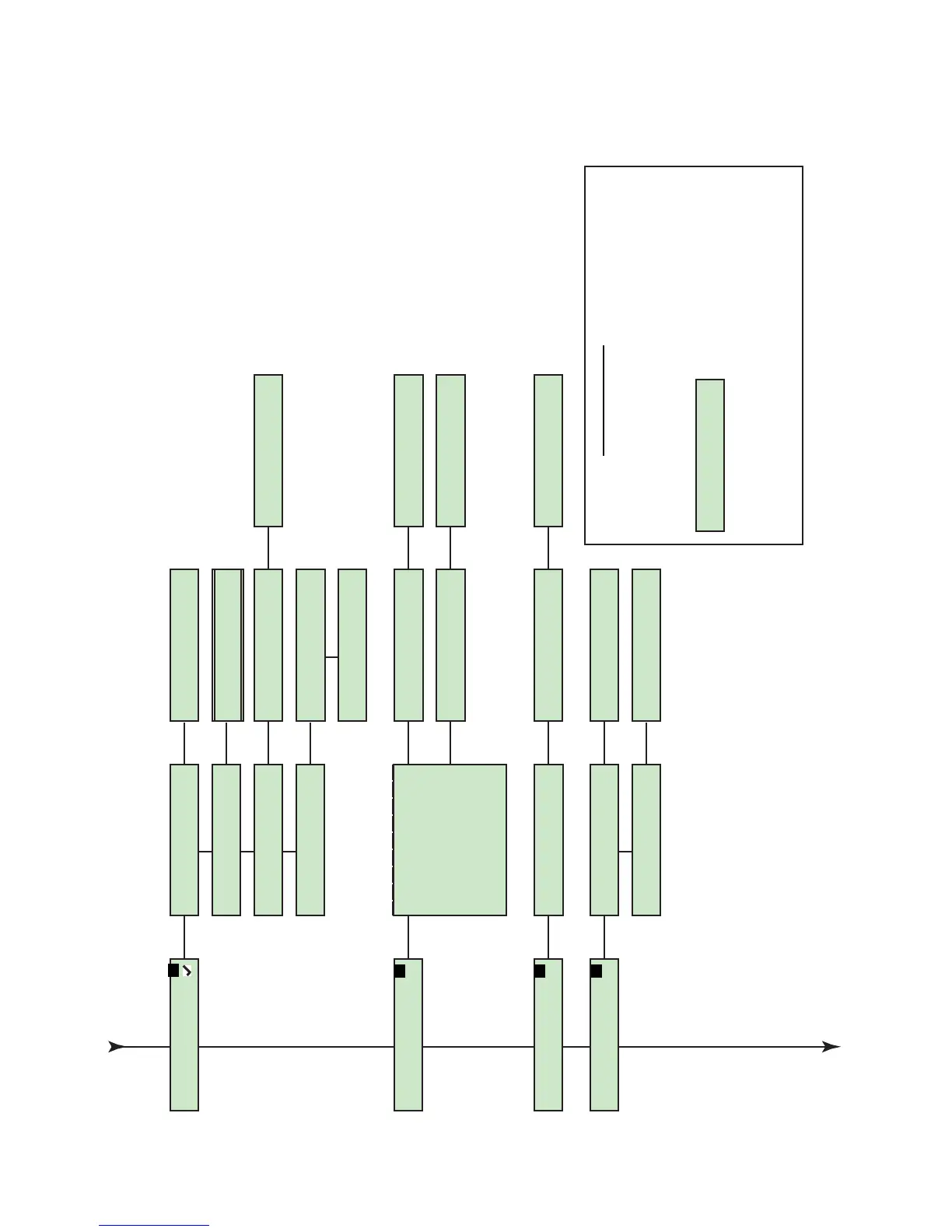
[Sequencer]
Sequencer
[Start Sequence]
Sequence Started
Sequencer
[Stop Sequence]
Sequencer
[Setup Sequence]
Sequencer
[Sequencer Status]
Sequence Stopped
Setup Sequence
Number of steps:[##]
Setup Sequence
Loop: [yes or no]
Sequence “Active”
Step ## Fade:mm:ss
Sequence Inactive
ETC SmartPack
[Dimmer Curves]
Dimmer num: [##]
>Mod SQR Law<
Available curves:
Modified Square Law
Linear
Pre-Heat
Switched
Fluorescent
Dimmer num: [##]
[Pre-Heat]
Set Pre Heat Level
Pre-Heat [##%]
Dimmer num: [##]
[Fluorescent]
Set Start Voltage
Fluorescent [##%]
ETC SmartPack
[Emergency]
Emergency
[Assign Dimmer]
Dimmer [##]
In Emergency No
Dimmer ##
In Emergency[Yes/No] or
ETC SmartPack
[Stations]
Stations
[Station Master]
Station Master
[Enable / Disable]
Stations
[Remote Record]
Remote Record
[Enable/Disable]
Menu Lockout
Press and hold + and - for 5 seconds to engage menu
lockout. When lockout is engaged and a button on the
user interface is pressed, the unit will display a
lockout dialog.
Press and hold + and - for 5 seconds to disengage
menu lockout.
CONTROLS LOCKED,
ENTER UNLOCK CODE

Other manuals for ETC SmartPack

Related product manuals