20
Reset
After having reset the keypad, the user code, the admin code, and other settings will be
restored to default settings. The RFID tags that have been registered will not be deleted
from the keypad.
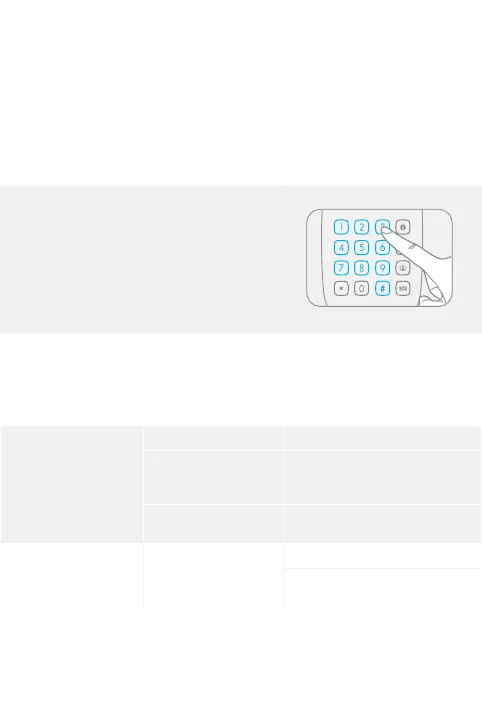
1. Enter Setup mode.
2. Type [987654321#].
3. You hear one beep: the setup is successful.
FAQ
Problem Cause Solution
No response from
the keypad
Low battery Change the battery.
The batteries’ positive
and negative terminals
are reversed.
Remove and insert the batteries
again according to the instructions
in this manual.
The keypad is locked Press Arm or Home Mode on the
keypad to unlock it.
The keypad cannot
be registered to the
control panel
No response from the
alarm panel
Make sure the alarm panel is on.
Make sure the alarm panel is in
Connection mode.



 To Next Page