19
EN
Enable / Disable deactivation by RFID tag
Enable deactivation of the system by RFID tag
1. Enter Setup mode.
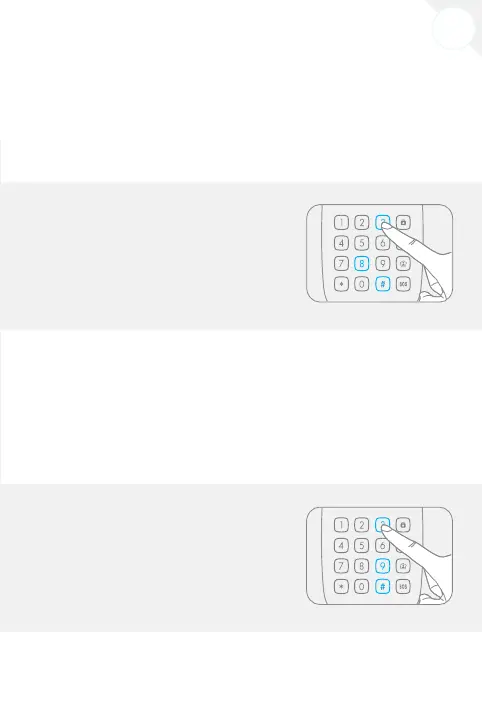
2. Type [3610#].
3. You hear one beep: the setup is successful.
Disable deactivation of the system by RFID tag
1. Enter Setup mode.
2. Type [3611#].
3. You hear one beep: the setup is successful.
Remark
Default setting: deactivation of the system by RFID tag is enabled.
Change user code
The user code may be required to interact with the control panel (arm or disarm the
system, or switch to Home Mode). We recommend you to change the user code before
using the keypad for the rst time.
1. Enter Setup mode.
2. Type [38+new user code+#].
3. You hear one beep: the setup is successful.
Remark
The user code must consist of 4 digits. Default user code is “1234” .
Change admin code
The admin code may be required to change the settings and interact with the control
panel (arm or disarm the system or switch to Home Mode). We recommend you to
change the admin code before using the keypad for the rst time.
1. Enter Setup mode.
2. Type [39+new user code+#].
3. You hear one beep: the setup is successful.
Remark
The admin code must consist of 6 digits. Default admin code is “123456”.



 To Next Page