6
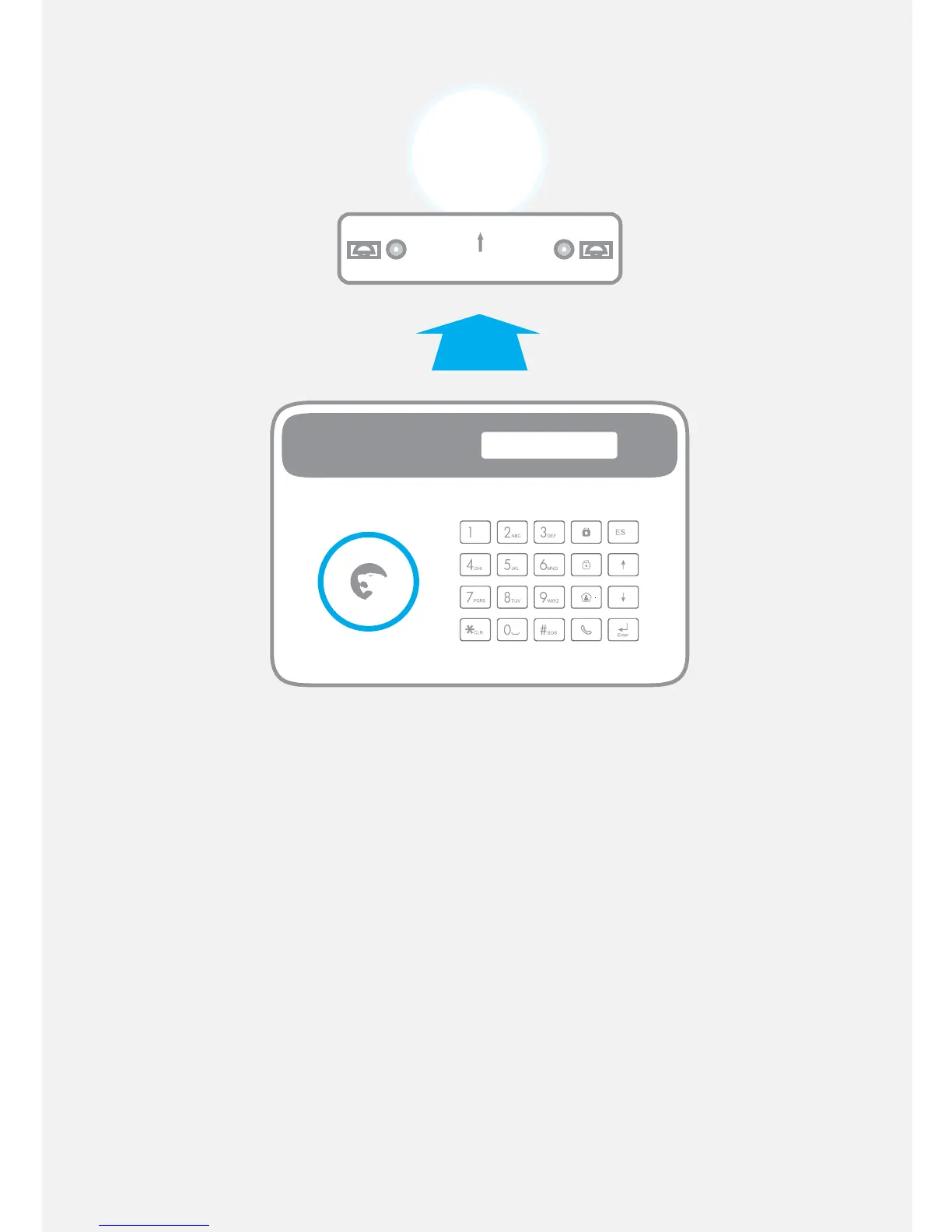
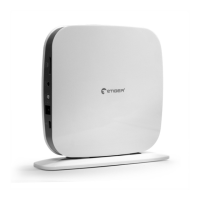
Mount the control panel on a wall
Screw the wall mount onto the wall where you wish to install
your control panel. Fix the control panel on the wall mount.
Some advice
- Make sure the control panel is rmly xed on the wall mount.
Because of the tamper switch, the alarm rings out if the
control panel is separated from the wall mount.
- If you are using a SIM card, make sure the GSM reception of
the control panel is sucient before screwing the wall mount
onto the wall.


 To Next Page