7
Change the system language
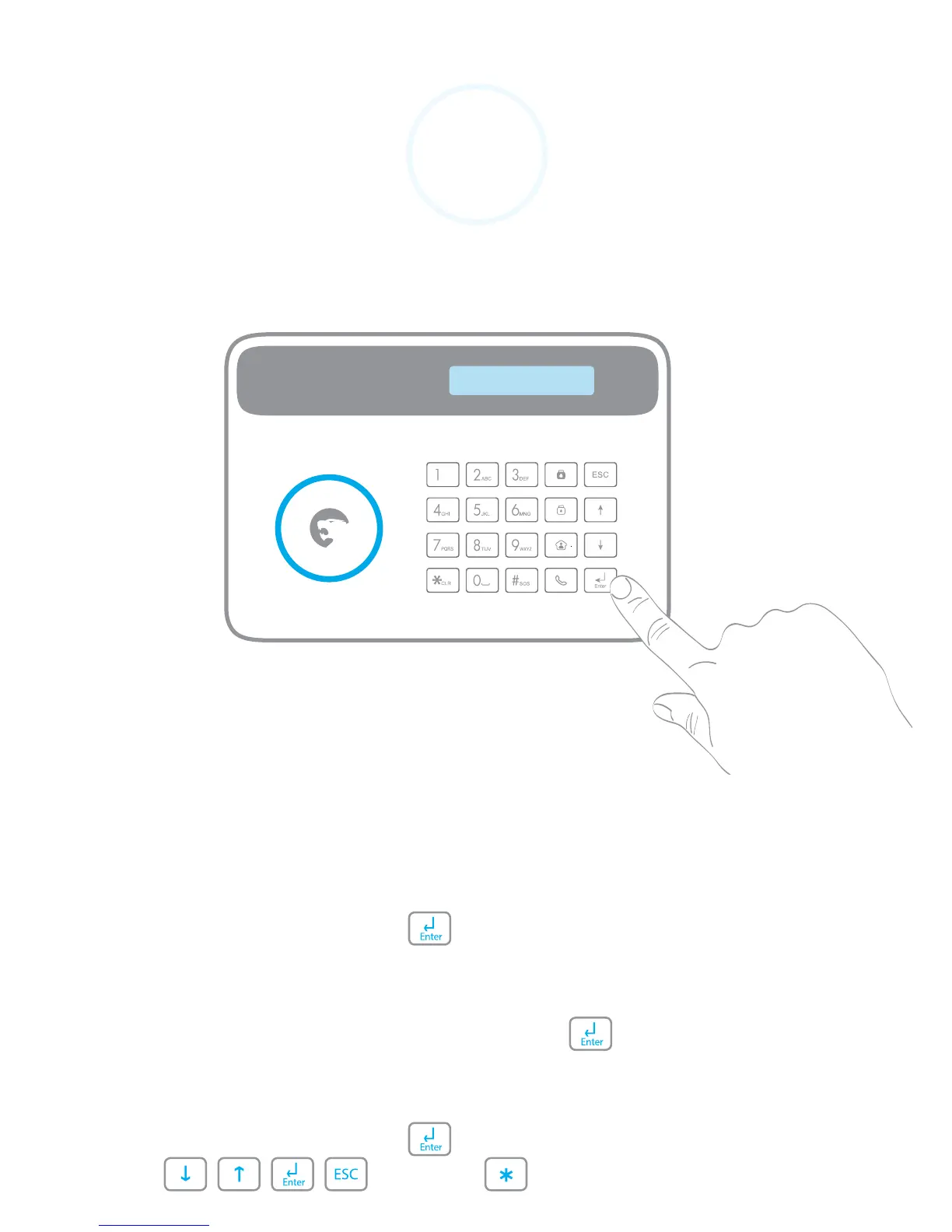
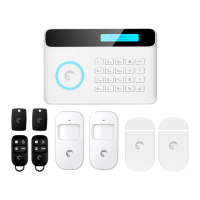
The language of your system can be changed from the menu of
the control panel:
1. Type your Admin Code + on the control panel.
(Default Admin Code: 123456)
2. Go to System Settings > Language.
3. Select the language and conrm with .
A piece of advice
Type your Admin Code + to enter the menu and navigate
with , , , (back), or (delete).
System Settings
Language


 To Next Page